Introduction
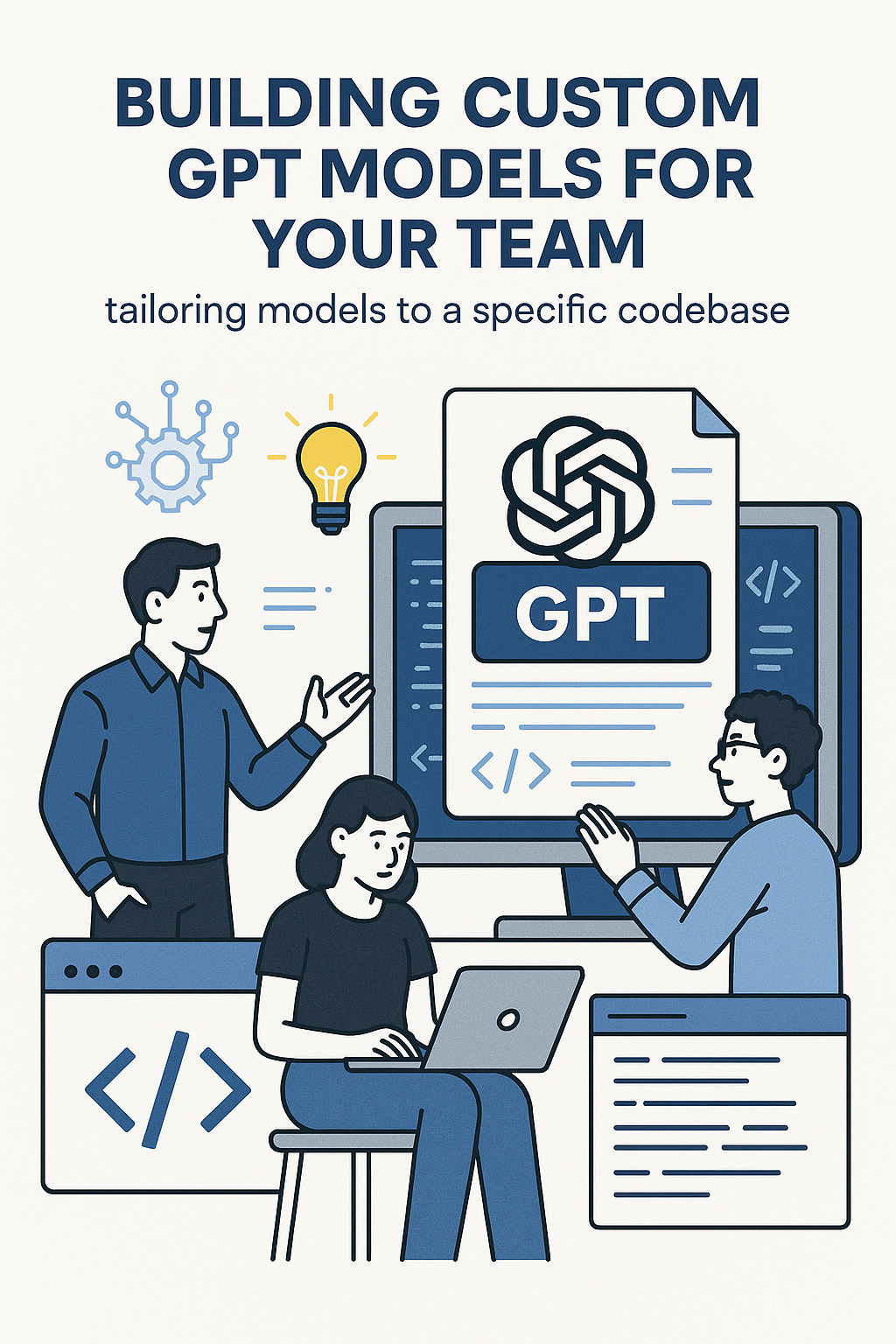
Large language models (LLMs) like GPT-4, Claude, and Gemini are remarkably capable, but they’re general-purpose by design. Ask them about your team’s specific codebase, internal APIs, or architectural decisions, and they’ll give generic answers or confidently hallucinate details. That’s why engineering teams at companies like Stripe, Shopify, and Notion are building custom GPT models—AI assistants tailored to understand their exact tech stack, coding patterns, and domain knowledge. These customized models provide context-aware code suggestions, accurate documentation lookups, and reviews that actually understand your conventions. In this comprehensive guide, you’ll learn the different approaches to customizing LLMs, from simple prompt engineering to full fine-tuning, with practical implementation examples using OpenAI’s API, RAG (Retrieval-Augmented Generation), and embeddings.
Why Build a Custom GPT?
Generic LLMs don’t know your codebase. Custom models bridge this gap:
Codebase awareness: Understands your naming conventions, file structure, and architectural patterns. Suggests code that actually fits your project.
Framework alignment: Trained on your specific libraries and APIs. No more suggestions for packages you don’t use.
Consistent style: Generates code matching your team’s conventions without constant manual correction.
Domain expertise: Understands your business logic, not just generic programming concepts.
Onboarding acceleration: New developers get instant, accurate answers about your specific systems.
Approaches to Customization
There are several ways to make LLMs work with your codebase, each with different trade-offs:
1. System Prompts and Context
The simplest approach—include context directly in your prompts:
// Simple context injection
const systemPrompt = `
You are a coding assistant for the Acme Corp engineering team.

Our tech stack:
- Backend: Node.js with Express, TypeScript
- Database: PostgreSQL with Prisma ORM
- Frontend: React with Next.js
- Testing: Jest for unit tests, Playwright for E2E

Coding conventions:
- Use camelCase for variables and functions
- Use PascalCase for React components and types
- All functions should have TypeScript types
- Prefer async/await over .then() chains
- Use Zod for runtime validation

Project structure:
- /src/api - API routes
- /src/services - Business logic
- /src/repositories - Database access
- /src/components - React components
`;

async function askAssistant(question: string) {
  const response = await openai.chat.completions.create({
    model: 'gpt-4',
    messages: [
      { role: 'system', content: systemPrompt },
      { role: 'user', content: question }
    ]
  });
  return response.choices[0].message.content;
}
Pros: Simple, no training required, easy to update.
Cons: Limited context window, can’t include entire codebase.
2. RAG (Retrieval-Augmented Generation)
RAG combines LLMs with a searchable knowledge base. When a question comes in, relevant documents are retrieved and included in the prompt:
// RAG implementation with embeddings
import { OpenAI } from 'openai';
import { PineconeClient } from '@pinecone-database/pinecone';

const openai = new OpenAI();
const pinecone = new PineconeClient();

interface CodeDocument {
  id: string;
  content: string;
  filePath: string;
  type: 'code' | 'documentation' | 'api';
}

// Step 1: Index your codebase
async function indexCodebase(documents: CodeDocument[]) {
  const index = pinecone.Index('codebase');

  for (const doc of documents) {
    // Create embedding for the document
    const embeddingResponse = await openai.embeddings.create({
      model: 'text-embedding-3-small',
      input: doc.content,
    });

    // Store in vector database
    await index.upsert([{
      id: doc.id,
      values: embeddingResponse.data[0].embedding,
      metadata: {
        content: doc.content,
        filePath: doc.filePath,
        type: doc.type,
      },
    }]);
  }
}

// Step 2: Query with context
async function queryWithContext(question: string) {
  const index = pinecone.Index('codebase');

  // Create embedding for the question
  const questionEmbedding = await openai.embeddings.create({
    model: 'text-embedding-3-small',
    input: question,
  });

  // Find relevant documents
  const searchResults = await index.query({
    vector: questionEmbedding.data[0].embedding,
    topK: 5,
    includeMetadata: true,
  });

  // Build context from retrieved documents
  const context = searchResults.matches
    .map(match => `File: ${match.metadata.filePath}\n${match.metadata.content}`)
    .join('\n\n---\n\n');

  // Generate response with context
  const response = await openai.chat.completions.create({
    model: 'gpt-4',
    messages: [
      {
        role: 'system',
        content: `You are a coding assistant with access to our codebase.
                  Use the following code context to answer questions accurately.
                  If the context doesn't contain relevant information, say so.`
      },
      {
        role: 'user',
        content: `Context from codebase:\n${context}\n\nQuestion: ${question}`
      }
    ],
  });

  return response.choices[0].message.content;
}
3. Fine-Tuning
Train the model on examples from your codebase to learn your patterns deeply:
// Prepare training data for fine-tuning
// training_data.jsonl format:
// {"messages": [{"role": "system", "content": "..."}, {"role": "user", "content": "..."}, {"role": "assistant", "content": "..."}]}

import fs from 'fs';
import { OpenAI } from 'openai';

interface TrainingExample {
  prompt: string;
  completion: string;
}

function prepareTrainingData(examples: TrainingExample[]) {
  const formattedExamples = examples.map(ex => ({
    messages: [
      {
        role: 'system',
        content: 'You are a coding assistant for the Acme Corp codebase.',
      },
      { role: 'user', content: ex.prompt },
      { role: 'assistant', content: ex.completion },
    ],
  }));

  // Write to JSONL format
  const jsonl = formattedExamples
    .map(ex => JSON.stringify(ex))
    .join('\n');

  fs.writeFileSync('training_data.jsonl', jsonl);
}

// Example training data
const trainingExamples: TrainingExample[] = [
  {
    prompt: 'How do I create a new API endpoint?',
    completion: `To create a new API endpoint in our codebase:

1. Create a route file in /src/api/routes/:
\`\`\`typescript
import { Router } from 'express';
import { validateRequest } from '../middleware/validate';
import { yourSchema } from '../validators/yourValidator';
import * as controller from '../controllers/yourController';

const router = Router();

router.post('/', validateRequest(yourSchema), controller.create);
router.get('/:id', controller.getById);

export default router;
\`\`\`

2. Add the controller in /src/api/controllers/
3. Add business logic in /src/services/
4. Register the route in /src/api/routes/index.ts`,
  },
  {
    prompt: 'How do I add a new database migration?',
    completion: `To add a new database migration:

1. Run: \`npx prisma migrate dev --name your_migration_name\`

2. This creates a new migration file in /prisma/migrations/

3. Edit the schema in /prisma/schema.prisma if needed

4. Apply with: \`npx prisma migrate deploy\`

Our convention is to use snake_case for migration names describing the change,
e.g., add_user_preferences_table`,
  },
];

// Upload and create fine-tuning job
async function createFineTuningJob() {
  const openai = new OpenAI();

  // Upload training file
  const file = await openai.files.create({
    file: fs.createReadStream('training_data.jsonl'),
    purpose: 'fine-tune',
  });

  // Create fine-tuning job
  const fineTune = await openai.fineTuning.jobs.create({
    training_file: file.id,
    model: 'gpt-3.5-turbo',
    hyperparameters: {
      n_epochs: 3,
    },
  });

  console.log('Fine-tuning job created:', fineTune.id);
  return fineTune;
}
Building a Complete Codebase Assistant
Here’s a practical implementation combining RAG with a chat interface:
// Complete codebase assistant implementation
import { OpenAI } from 'openai';
import { glob } from 'glob';
import fs from 'fs/promises';
import path from 'path';

interface AssistantConfig {
  projectRoot: string;
  includePatterns: string[];
  excludePatterns: string[];
}

class CodebaseAssistant {
  private openai: OpenAI;
  private documents: Map = new Map();
  private embeddings: Map = new Map();

  constructor(private config: AssistantConfig) {
    this.openai = new OpenAI();
  }

  async initialize() {
    console.log('Indexing codebase...');

    // Find all relevant files
    const files = await glob(this.config.includePatterns, {
      cwd: this.config.projectRoot,
      ignore: this.config.excludePatterns,
    });

    // Read and index each file
    for (const file of files) {
      const fullPath = path.join(this.config.projectRoot, file);
      const content = await fs.readFile(fullPath, 'utf-8');

      // Skip very large files
      if (content.length > 50000) continue;

      this.documents.set(file, content);

      // Create embedding
      const embedding = await this.createEmbedding(content);
      this.embeddings.set(file, embedding);
    }

    console.log(`Indexed ${this.documents.size} files`);
  }

  private async createEmbedding(text: string): Promise {
    const response = await this.openai.embeddings.create({
      model: 'text-embedding-3-small',
      input: text.slice(0, 8000), // Truncate for embedding limit
    });
    return response.data[0].embedding;
  }

  private cosineSimilarity(a: number[], b: number[]): number {
    let dotProduct = 0;
    let normA = 0;
    let normB = 0;
    for (let i = 0; i < a.length; i++) {
      dotProduct += a[i] * b[i];
      normA += a[i] * a[i];
      normB += b[i] * b[i];
    }
    return dotProduct / (Math.sqrt(normA) * Math.sqrt(normB));
  }

  private async findRelevantFiles(query: string, topK: number = 5): Promise {
    const queryEmbedding = await this.createEmbedding(query);

    const similarities: { file: string; score: number }[] = [];

    for (const [file, embedding] of this.embeddings) {
      const score = this.cosineSimilarity(queryEmbedding, embedding);
      similarities.push({ file, score });
    }

    return similarities
      .sort((a, b) => b.score - a.score)
      .slice(0, topK)
      .map(s => s.file);
  }

  async ask(question: string): Promise {
    // Find relevant files
    const relevantFiles = await this.findRelevantFiles(question);

    // Build context
    const context = relevantFiles
      .map(file => `// File: ${file}\n${this.documents.get(file)}`)
      .join('\n\n// ---\n\n');

    // Generate response
    const response = await this.openai.chat.completions.create({
      model: 'gpt-4',
      messages: [
        {
          role: 'system',
          content: `You are an expert coding assistant for this codebase.
                    Answer questions using the provided code context.
                    Reference specific files and line numbers when relevant.
                    If you're unsure, say so rather than guessing.`,
        },
        {
          role: 'user',
          content: `Relevant code from our codebase:\n\n${context}\n\nQuestion: ${question}`,
        },
      ],
      temperature: 0.3,
    });

    return response.choices[0].message.content || 'No response generated';
  }
}

// Usage
const assistant = new CodebaseAssistant({
  projectRoot: './src',
  includePatterns: ['**/*.ts', '**/*.tsx', '**/*.md'],
  excludePatterns: ['node_modules/**', 'dist/**', '**/*.test.ts'],
});

await assistant.initialize();
const answer = await assistant.ask('How does our authentication middleware work?');
Integration Strategies
Deploy your custom GPT where developers already work:
IDE Integration: Build VS Code extensions that provide inline suggestions based on your codebase context.
Slack/Teams Bot: Answer questions about the codebase in chat channels where discussions already happen.
PR Review: Automatically review pull requests against your coding standards and patterns.
Documentation Generation: Generate and update documentation from code comments and function signatures.
Common Mistakes to Avoid
Including sensitive data: Never include API keys, credentials, or customer data in training data or embeddings. Audit your codebase before indexing.
Over-relying on fine-tuning: Fine-tuning is expensive and slow to update. RAG is often more practical for evolving codebases.
Ignoring context limits: Even with RAG, you can’t include your entire codebase. Choose the most relevant chunks strategically.
Skipping validation: LLMs hallucinate. Always validate generated code through tests and human review.
Stale indexes: Set up automated re-indexing when code changes. Stale context produces wrong answers.
Conclusion
Building custom GPT models transforms generic AI into a teammate that understands your specific codebase. Start with RAG for most use cases—it’s flexible, easy to update, and handles large codebases well. Reserve fine-tuning for deeply ingrained patterns you want the model to internalize. The combination of embeddings, vector search, and thoughtful prompt engineering creates an assistant that provides genuinely useful, context-aware help. Remember to validate outputs, protect sensitive data, and keep your index fresh as the codebase evolves. For more on AI-assisted development workflows, check out our guide on AI-Powered Code Review Tools. For implementation details on fine-tuning and embeddings, explore OpenAI’s fine-tuning documentation.
1 Comment