Introduction
Deploying updates to live systems can be risky. A single bad release can cause downtime or break user functionality. That’s why modern teams rely on progressive deployment strategies like Blue/Green and Canary. Both approaches aim to release new versions safely, but they differ in how traffic is switched and tested. In this post, we’ll explain how each works, when to use them, and how to combine them for maximum reliability.
The Problem with Traditional Deployments
Traditional “all-at-once” deployments stop the running version, replace it with the new one, and restart everything. This often leads to:
- Downtime during the update
- No easy rollback option
- Increased user impact when something goes wrong
Blue/Green and Canary deployments fix these problems by introducing controlled traffic shifting and gradual rollouts.
What Is a Blue/Green Deployment?
In a Blue/Green deployment, you maintain two identical environments: one active (Blue) and one idle (Green). The Blue environment runs the current version, while Green runs the new release. Once testing is complete, you switch traffic from Blue to Green instantly.
How it works:
- Blue environment = current production.
- Deploy new code to Green environment.
- Test the Green version while Blue stays live.
- Switch all traffic to Green once validated.
- Keep Blue as a backup for easy rollback.
Benefits:
- Zero downtime — switching environments is instant.
- Fast rollback by reverting to the previous environment.
- Safe testing in a production-like environment.
Drawbacks:
- Requires double the infrastructure temporarily.
- More expensive for large-scale systems.
When to use:
Use Blue/Green deployments for critical applications where uptime is essential — such as banking systems or e-commerce platforms.
What Is a Canary Deployment?
A Canary deployment releases a new version to a small group of users first — like a canary in a coal mine. If no issues appear, the new version gradually reaches more users until it replaces the old one entirely.
How it works:
- Deploy the new version alongside the current one.
- Route a small percentage of traffic (e.g., 5%) to it.
- Monitor performance and logs carefully.
- Gradually increase traffic to 10%, 25%, 50%, and finally 100%.
- Roll back immediately if metrics worsen.
Benefits:
- Real user feedback with minimal risk.
- Gradual rollout prevents widespread failure.
- Works well with automated monitoring and alerting.
Drawbacks:
- Slightly more complex setup (requires smart load balancing).
- Slower rollout time compared to Blue/Green.
When to use:
Canary deployments are perfect for high-traffic applications and continuous delivery pipelines where new versions are released frequently.
Blue/Green vs Canary: Key Differences
| Feature | Blue/Green | Canary |
|---|---|---|
| Strategy | Two full environments (switch instantly) | Gradual rollout to user subsets |
| Speed | Fast switch | Slow and incremental |
| Rollback | Easy, instant rollback | Possible at any stage |
| Cost | Higher (duplicate infrastructure) | Lower (uses same cluster) |
| Risk | Very low | Low, but requires monitoring |
How to Implement Both in Practice
- Blue/Green: Use separate infrastructure, or separate namespaces in Kubernetes. Tools like AWS CodeDeploy, ArgoCD, and GitLab CI/CD support automated environment switching.
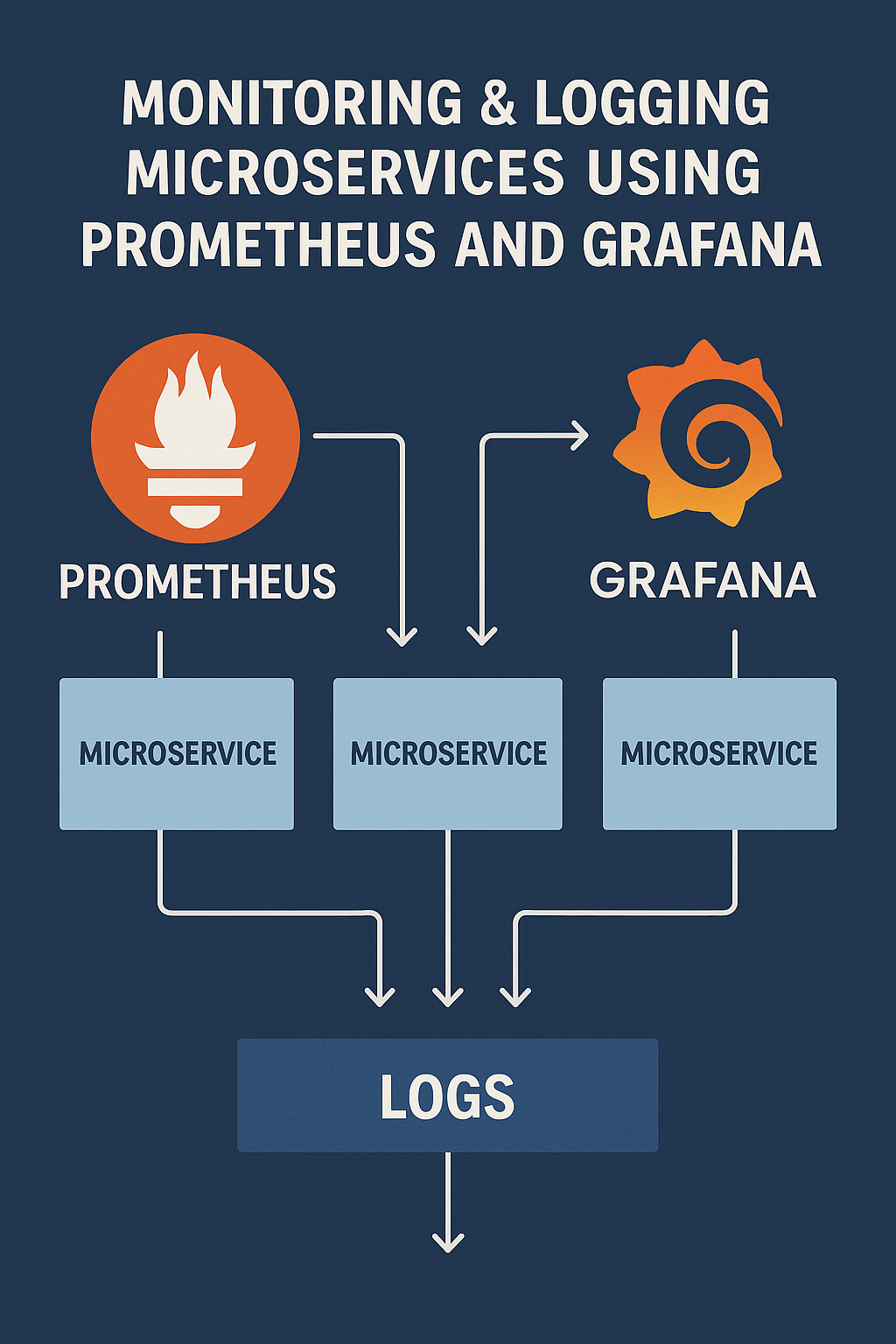
- Canary: Use smart routing tools like Istio, NGINX, or Traefik to control traffic gradually. Combine with Prometheus and Grafana for real-time monitoring.
- Rollback Plan: Always keep automated rollback triggers in place. If error rates or latency spike, revert immediately.
Choosing the Right Approach
- Use Blue/Green when you need fast rollback and high stability.
- Use Canary when you release often and want feedback from real users.
- Combine both: start with a small canary rollout inside a Green environment before full traffic switch.
Final Thoughts
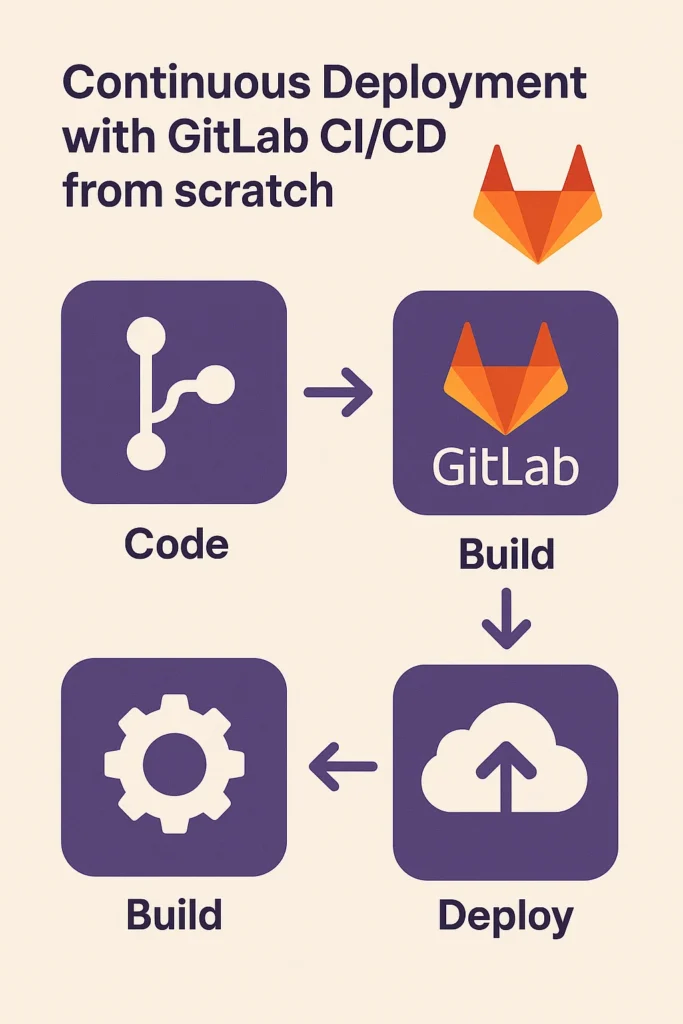
Blue/Green and Canary deployments are two sides of the same coin — both designed to reduce deployment risk and ensure smooth releases. The right choice depends on your team’s workflow, infrastructure costs, and release frequency. Start simple, then automate using tools that support both strategies. To learn more about integrating these strategies into your pipelines, read Continuous Deployment with GitLab CI/CD from Scratch. For a detailed implementation guide, see Argo Rollouts documentation.