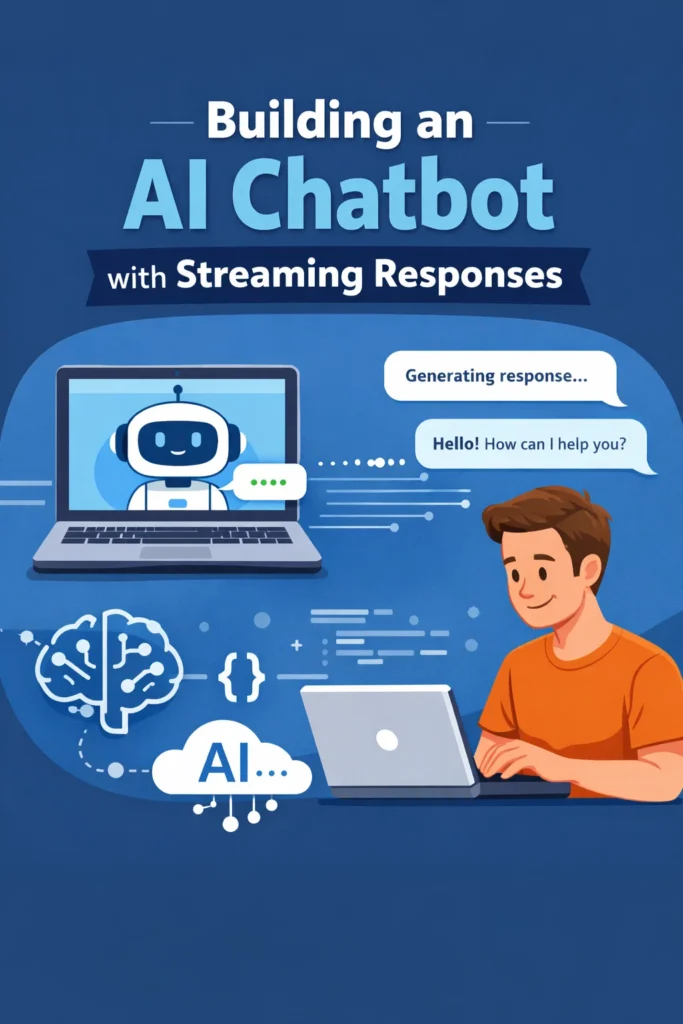
A chatbot that waits several seconds before responding feels slow, even if the answer is correct. Streaming responses solve this problem by delivering partial output as the model generates it. For users, the experience feels instant. For developers, streaming unlocks better control, cancellation, and progressive rendering.
This guide explains how to build an AI chatbot with streaming responses for production use. You will learn when streaming matters, how to structure the backend and frontend, and which architectural trade-offs to consider before shipping.
Why Streaming Changes the Chatbot Experience
Without streaming, chatbots operate in request–response mode. The user sends a message, the system waits, and a full response appears at once. This approach amplifies perceived latency and provides no feedback during long generations.
Streaming flips that model. Tokens arrive incrementally, allowing the UI to render responses as they are produced. As a result, users stay engaged and trust the system more.
If you have already worked with real-time delivery patterns, the benefits are similar to those described in real-time APIs with WebSockets and server-sent events, where immediacy matters more than raw throughput.
Core Components of a Streaming Chatbot
An AI chatbot with streaming responses has more moving parts than a basic chatbot. Each part must cooperate cleanly.
At a minimum, the system includes:
- A frontend capable of incremental rendering
- A backend that forwards streamed tokens
- An LLM API that supports streaming
- A transport layer for real-time updates
Designing these pieces together is essential. Streaming cannot be bolted on later without refactoring.
Choosing a Streaming Transport
The transport layer determines how tokens flow from the backend to the client.
Server-Sent Events (SSE) are often the simplest option. They work over HTTP, are easy to debug, and fit well with unidirectional streaming from server to client.
WebSockets offer full duplex communication. They are useful when the client needs to send control signals such as cancellation or tool results during generation.
The choice depends on interaction complexity. For most chatbots, SSE is sufficient. For collaborative or multi-agent scenarios, WebSockets provide more flexibility.
Backend Responsibilities in Streaming Mode
In a streaming chatbot, the backend acts as a relay rather than a processor. It forwards user messages to the model and streams tokens back to the client as they arrive.
This design has several implications:
- The backend must handle partial messages safely
- Errors can occur mid-stream and must be recoverable
- Cancellation signals should be propagated immediately
Streaming also changes how you think about timeouts and retries. Instead of a single request lifecycle, you manage a continuous flow.
If you are using modern LLM APIs, concepts from getting started with the Claude API map directly to this pattern, especially around message structure and streaming primitives.
Frontend Rendering Strategies
The frontend experience defines whether streaming feels smooth or chaotic.
A common approach is token-by-token rendering, where each new chunk is appended to the message bubble. This feels responsive but can cause layout jitter if not throttled.
Another approach is buffered streaming, where tokens are grouped and rendered in short intervals. This balances responsiveness with visual stability.
Regardless of strategy, the UI must handle:
- Partial messages
- Completion signals
- Errors mid-generation
- User-triggered cancellation
These requirements are similar to challenges discussed in building reactive UIs, where state transitions must be predictable under frequent updates.
Handling Cancellation and User Interruptions
Streaming enables something non-streaming chatbots cannot do well: interruption.
Users often change their minds mid-response. Without streaming, the system wastes resources generating text that will never be read. With streaming, the client can send a cancellation signal, and the backend can terminate generation early.
Supporting cancellation improves both user experience and system efficiency. However, it requires explicit support across the stack. Ignoring this aspect is one of the most common mistakes when implementing streaming chatbots.
A Realistic Streaming Chatbot Scenario
Consider a documentation assistant for a developer portal. Queries range from short factual questions to long architectural explanations.
Without streaming, long responses feel sluggish. Users assume the system is stuck. With streaming enabled, the assistant starts responding immediately, even if the full answer takes time.
Over time, analytics show fewer abandoned requests and higher engagement. The content quality does not change, but user perception improves dramatically. This is the real value of streaming.
Common Mistakes When Building Streaming Chatbots
One common mistake is streaming everything without structure. Token-level streaming without buffering can overwhelm the frontend and degrade UX.
Another issue is ignoring error handling mid-stream. Network failures and model errors do not wait for clean boundaries.
Finally, many teams forget to log streamed interactions properly. Debugging becomes difficult when only partial outputs are recorded.
Avoiding these pitfalls early saves significant rework later.
When Streaming Is Worth the Complexity
- Responses can take more than a second
- Users benefit from immediate feedback
- Cancellation improves usability
- The chatbot is part of a real-time workflow
When Streaming Is Overkill
- Responses are consistently short
- Latency is already low
- The UI cannot handle partial updates
- Simplicity is the top priority
It should be intentional, not automatic.
Streaming and Advanced AI Architectures
Streaming pairs naturally with other advanced patterns. For example, combining streaming with retrieval allows users to see answers evolve as context is injected. This approach aligns well with ideas covered in RAG from scratch, where retrieval and generation are decoupled.
Streaming also works well with tool-based systems, where partial reasoning and tool calls can be surfaced progressively.
Conclusion
Building an AI chatbot with streaming responses is less about speed and more about perception, control, and trust. Streaming transforms chatbots from passive responders into interactive systems.
A good next step is to implement streaming for a single chatbot endpoint, add cancellation support, and observe user behavior. In many cases, that change alone delivers more value than switching models or adding complexity elsewhere.
1 Comment