Introduction
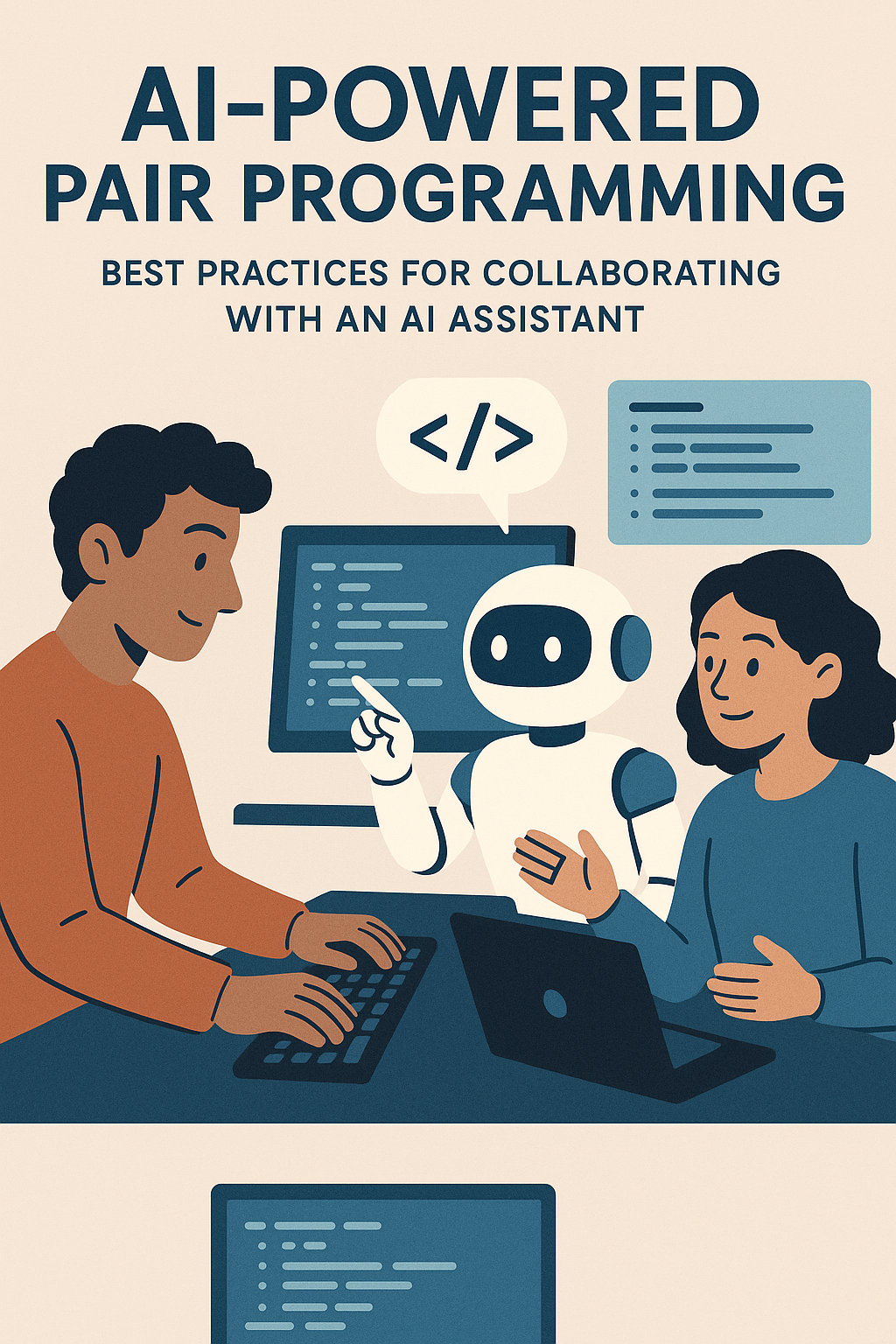
Pair programming has always been about two developers working together to write better code—one typing while the other reviews and guides. But now, with tools like GitHub Copilot, Claude, ChatGPT, and Cursor, developers can pair program with AI assistants instead of (or alongside) human teammates. This isn’t just autocomplete on steroids; it’s a fundamentally new way of developing software where you have an always-available coding partner that can explain concepts, generate boilerplate, catch bugs, and even challenge your approach. This new workflow, often called AI-powered pair programming, helps speed up coding, reduce errors, and improve learning. However, to get the most out of it, developers need to understand both its strengths and limitations. In this comprehensive guide, we’ll explore how to collaborate effectively with an AI assistant, practical techniques for different coding scenarios, and the pitfalls to avoid.
Why AI-Powered Pair Programming?
AI assistants can provide instant feedback, suggest solutions, explain unfamiliar code, and even generate entire code blocks. Unlike human pair programmers, they’re available 24/7, never get tired, and have been trained on billions of lines of code across every programming language and framework.
The key benefits include faster development through automated boilerplate generation, on-demand guidance where new developers get real-time coding suggestions, knowledge sharing with explanations in plain language, reduced cognitive load letting developers focus on architecture while AI handles routine tasks, and pattern recognition where AI spots common bugs or anti-patterns you might miss.
Best Practices for Collaborating with AI
Treat AI as a Knowledgeable Junior Developer
Think of the AI as a junior teammate who has read every programming book and tutorial ever written, but has never actually shipped production code. It can be remarkably fast and helpful, but it lacks context about your specific codebase, business requirements, and production constraints.
// BAD: Accepting AI suggestions without review
// AI might generate code that works but has security issues
const userData = await fetch(userInput.url); // Potential SSRF vulnerability!

// GOOD: Review and improve AI suggestions
const allowedDomains = ['api.example.com', 'cdn.example.com'];
const url = new URL(userInput.url);
if (!allowedDomains.includes(url.hostname)) {
  throw new Error('Domain not allowed');
}
const userData = await fetch(url.toString());
Always review suggestions before merging. Check for security issues, performance implications, and alignment with your codebase’s patterns.
Write Clear Prompts and Provide Context
AI suggestions improve dramatically when you provide context. The more specific your prompts, the better the output.
// VAGUE: "Write a function to process data"
// AI doesn't know what data, what processing, what format

// SPECIFIC: "Write a TypeScript function that:
// - Takes an array of user objects with id, name, and email properties
// - Filters out users without valid emails (use regex validation)
// - Groups remaining users by email domain
// - Returns a Map where key is domain
// - Handle empty arrays and invalid inputs gracefully"

interface User {
  id: string;
  name: string;
  email: string;
}

function groupUsersByEmailDomain(users: User[]): Map {
  const emailRegex = /^[^\s@]+@[^\s@]+\.[^\s@]+$/;
  const grouped = new Map();

  if (!Array.isArray(users)) return grouped;

  for (const user of users) {
    if (!emailRegex.test(user.email)) continue;

    const domain = user.email.split('@')[1].toLowerCase();
    const existing = grouped.get(domain) || [];
    grouped.set(domain, [...existing, user]);
  }

  return grouped;
}
Use AI for Boilerplate, Be Careful with Core Logic
AI excels at generating repetitive patterns. Use it for scaffolding, not for complex business rules that require deep domain knowledge.
// EXCELLENT use of AI - boilerplate generation
// Ask AI to generate:
- CRUD API endpoints for a new resource
- TypeScript interfaces from JSON examples
- Database migration files
- Test scaffolding with common assertions
- Configuration files (ESLint, Prettier, tsconfig)
- Documentation templates

// BE CAREFUL with AI for:
- Complex financial calculations
- Security-critical authentication logic
- Data validation for compliance requirements
- Business rules that vary by customer/region
- Anything where bugs have legal/safety implications
Iterate Through Conversation
If the first suggestion isn’t right, refine your prompt. Treat it as a back-and-forth conversation where each exchange improves the output.
// Initial prompt: "Write a React hook for fetching data"
// AI generates basic useEffect with fetch

// Refine: "Good start, but add:
// - Loading and error states
// - Abort controller for cleanup
// - Retry logic with exponential backoff
// - TypeScript generics for the response type"

// Further refine: "Now add:
// - Caching with a configurable TTL
// - Deduplication of in-flight requests
// - Support for query parameters"

// Final result is much better than initial suggestion
function useFetch(url: string, options?: FetchOptions): FetchResult {
  const [state, setState] = useState>({
    loading: true,
    error: null,
    data: null
  });

  // ... comprehensive implementation
}
Use AI for Code Review and Explanation
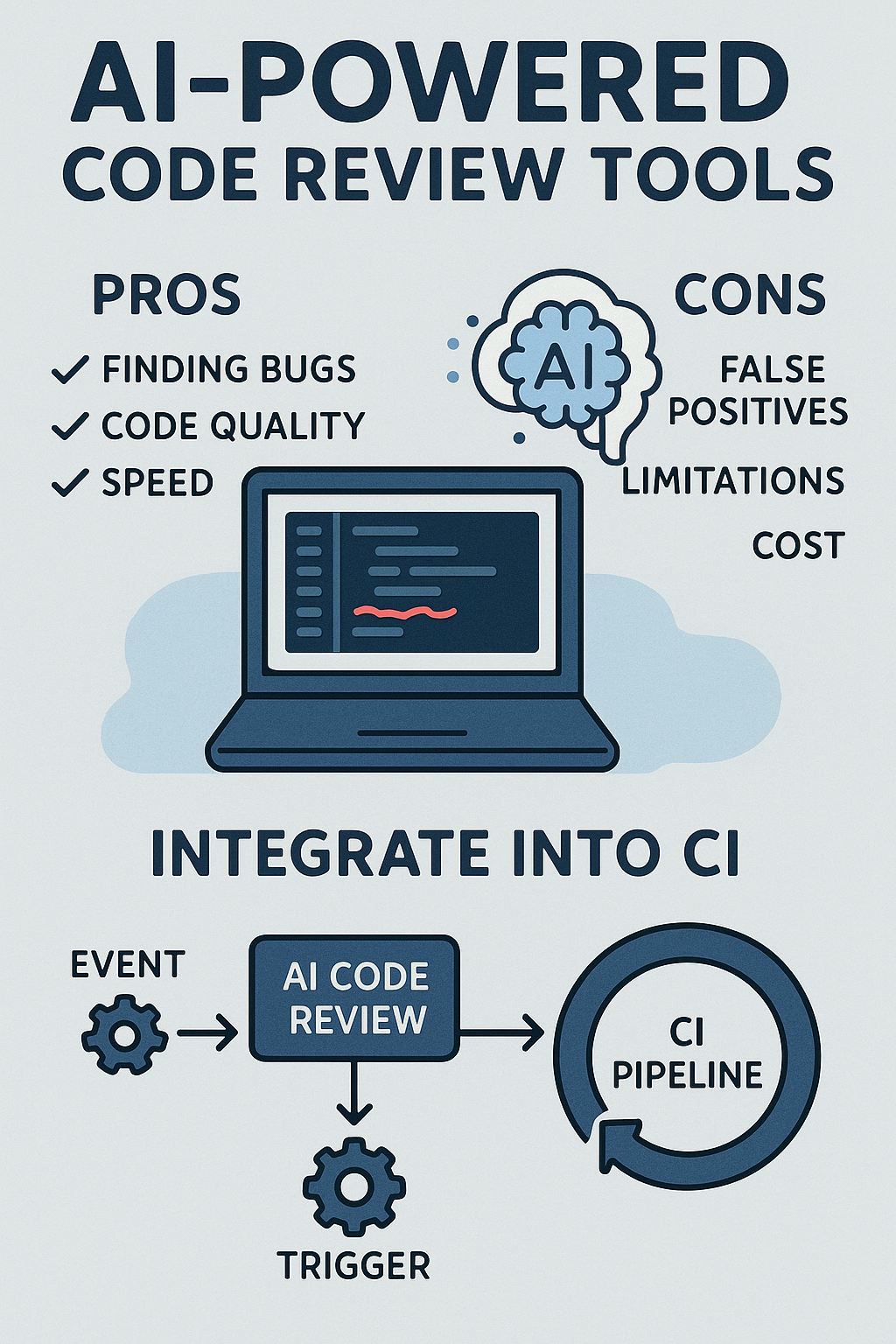
AI isn’t just for writing code—it’s excellent at reviewing and explaining existing code.
// Ask AI to review code for:
"Review this function for:
1. Potential bugs or edge cases
2. Performance issues
3. Security vulnerabilities
4. Code style improvements
5. Better naming suggestions"

// Ask AI to explain unfamiliar code:
"Explain this regex pattern step by step:
/^(?=.*[a-z])(?=.*[A-Z])(?=.*\d)(?=.*[@$!%*?&])[A-Za-z\d@$!%*?&]{8,}$/"

// Ask AI to suggest improvements:
"This function works but feels clunky. How would you refactor it
to be more readable and maintainable?"
Leverage AI for Learning New Technologies
When exploring unfamiliar frameworks or languages, AI accelerates the learning curve significantly.
// Learning prompts that work well:
"I'm new to Rust. Show me how to implement a simple HTTP server
with error handling. Explain each part of the code."

"Convert this Python function to Go, and explain the differences
in how each language handles this pattern."

"I'm familiar with React. Show me the Vue 3 equivalent of this
component, highlighting the key differences in approach."

"What are the gotchas when migrating from Express to Fastify?
Show examples of common patterns that change."
Maintain Human Code Reviews
Even with AI pair programming, human reviews remain essential. AI can miss context-specific issues, architectural concerns, and subtle bugs that require understanding of the broader system.
// Code review checklist when AI was involved:
[ ] Does this follow our codebase's established patterns?
[ ] Are there any security implications AI might have missed?
[ ] Does this integrate correctly with our existing systems?
[ ] Are edge cases properly handled?
[ ] Is the generated code maintainable long-term?
[ ] Do the tests actually test the right behavior?
[ ] Are there any licensing concerns with AI-generated code?
Common Pitfalls to Avoid
Over-reliance on AI: Don’t outsource all problem-solving to the AI. You need to maintain and debug this code long after the AI session ends. If you don’t understand what the code does, you can’t fix it when it breaks.
Ignoring security best practices: AI can generate insecure or outdated code. It might suggest deprecated APIs, vulnerable patterns, or skip input validation. Always review generated code through a security lens.
Context blindness: The assistant may not see your entire project, leading to suggestions that conflict with existing patterns, duplicate existing utilities, or miss critical dependencies.
Copy-paste without understanding: If you can’t explain what the AI-generated code does, you shouldn’t commit it. Take time to understand each line.
Neglecting tests: AI-generated code needs testing just like human-written code. Don’t assume AI suggestions are correct—verify with tests.
Losing learning opportunities: If developers depend too much on AI for everything, genuine skill development suffers. Use AI to learn, not to avoid learning.
When NOT to Use AI Pair Programming
Recognize situations where AI assistance may be counterproductive:
Highly sensitive code: Code handling encryption keys, authentication secrets, or PII may not be appropriate to share with AI services depending on your organization’s policies.
Novel problem solving: For truly novel algorithms or business logic, AI will likely produce generic solutions that miss the nuances of your specific problem.
Learning fundamentals: When learning a new language or concept, struggling through problems builds understanding. Don’t shortcut the learning process.
Conclusion
AI-powered pair programming can boost productivity, accelerate onboarding, and make development more enjoyable. The key is balance: let the AI handle repetitive or simple tasks while developers focus on architecture, domain knowledge, and quality assurance. Treat AI as a powerful tool in your toolkit, not a replacement for your skills and judgment. By following these best practices—providing context, iterating on suggestions, maintaining code reviews, and understanding what you commit—you can create a workflow where humans and machines collaborate effectively. The developers who thrive in the AI era will be those who learn to leverage these tools while continuing to deepen their own expertise. For practical tips on integrating these tools into your workflow, check out our post on Integrating GitHub Copilot into Your Workflow. For the official documentation and latest features, explore GitHub’s official guide on Copilot.
2 Comments