Introduction
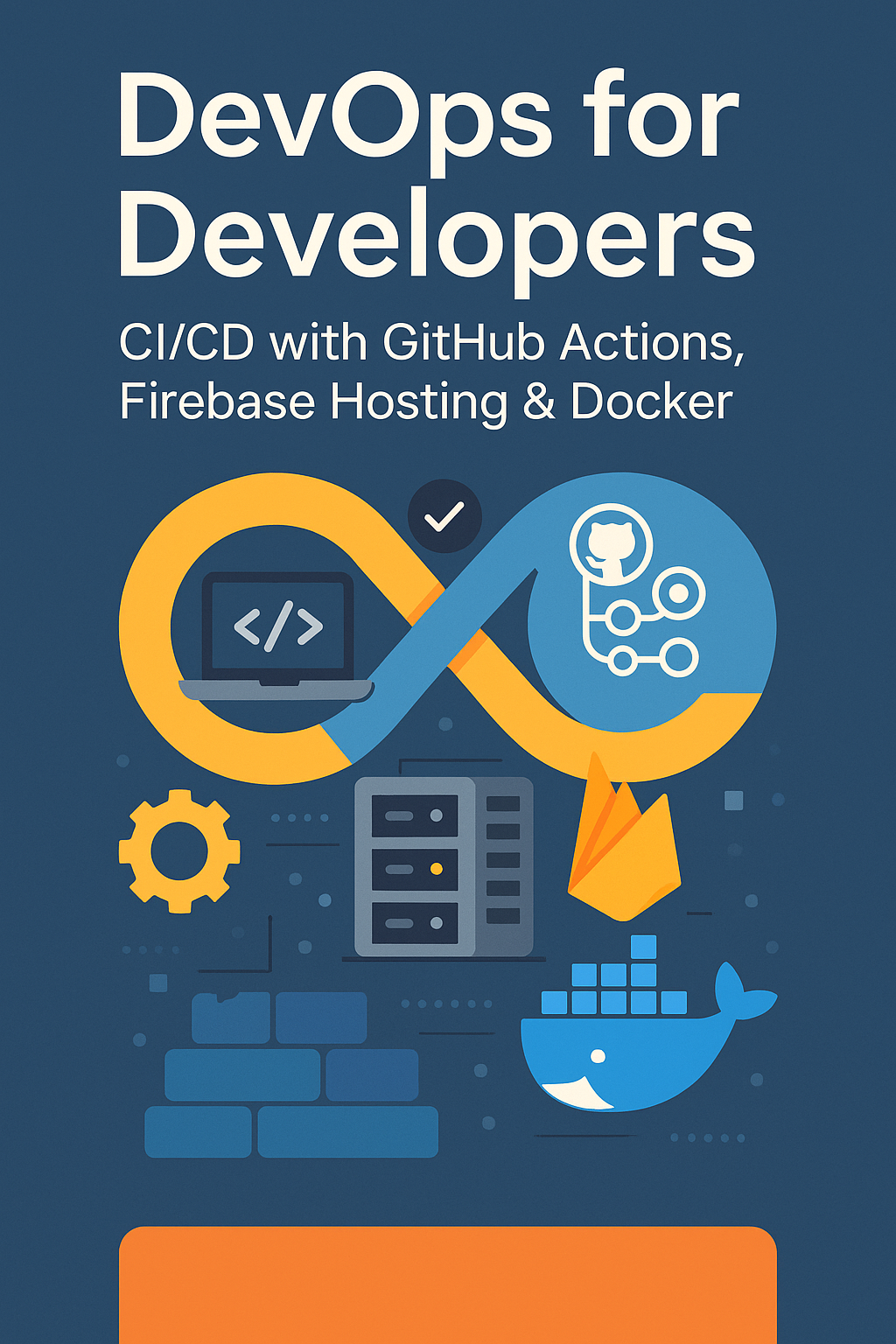
If you’re a developer looking to automate your deployment workflow, this guide will help you set up a powerful CI/CD pipeline using GitHub Actions, Firebase Hosting, and Docker. Manual deployments are error-prone, time-consuming, and don’t scale. A well-designed CI/CD pipeline lets you ship faster, catch bugs earlier, and maintain consistent environments from development to production.
You’ll learn how to streamline your development process, reduce human error, and ship faster—without becoming a DevOps expert. By the end of this guide, you’ll have a complete pipeline that automatically builds, tests, containerizes, and deploys your application on every push to main.
What You’ll Learn
- Setting up GitHub Actions for CI/CD with proper job organization
- Building and pushing Docker images to registries
- Deploying to Firebase Hosting automatically with preview channels
- Implementing environment-specific deployments (staging, production)
- Securing secrets and optimizing build caching
Why CI/CD Matters for Developers
CI/CD (Continuous Integration and Continuous Deployment) is essential for modern software teams. It ensures that every change is tested, built, and deployed automatically:
- Faster feedback loops: Know within minutes if your code broke something
- Reduced risk: Small, frequent deployments are safer than big releases
- Consistency: Same build process every time, eliminating “works on my machine”
- Developer focus: Spend time writing code, not manually deploying
Prerequisites
To follow this guide, you’ll need:
- A GitHub repository with your application code
- A Firebase project (with Hosting enabled)
- Docker installed locally for testing
firebase-toolsinstalled globally (npm install -g firebase-tools)- Firebase CLI authenticated with your project
Step 1: Set Up Firebase Hosting
First, initialize Firebase Hosting in your project:
# Install Firebase CLI
npm install -g firebase-tools

# Login to Firebase
firebase login

# Initialize hosting
firebase init hosting

# Select options:
# - Choose your Firebase project
# - Set public directory (build/ for React, dist/ for Vue/Vite)
# - Configure as single-page app: Yes
# - Set up automatic builds with GitHub: No (we'll do this manually)
Your firebase.json should look like:
{
  "hosting": {
    "public": "build",
    "ignore": [
      "firebase.json",
      "**/.*",
      "**/node_modules/**"
    ],
    "rewrites": [
      {
        "source": "**",
        "destination": "/index.html"
      }
    ],
    "headers": [
      {
        "source": "**/*.@(js|css)",
        "headers": [
          {
            "key": "Cache-Control",
            "value": "max-age=31536000"
          }
        ]
      },
      {
        "source": "**/*.@(jpg|jpeg|gif|png|svg|webp|ico)",
        "headers": [
          {
            "key": "Cache-Control",
            "value": "max-age=31536000"
          }
        ]
      }
    ]
  }
}
Step 2: Create GitHub Actions Workflow
Create a comprehensive workflow at .github/workflows/deploy.yml:
# .github/workflows/deploy.yml
name: CI/CD Pipeline

on:
  push:
    branches:
      - main
      - develop
  pull_request:
    branches:
      - main
      - develop

# Cancel in-progress runs for the same branch
concurrency:
  group: ${{ github.workflow }}-${{ github.ref }}
  cancel-in-progress: true

env:
  NODE_VERSION: '20'
  REGISTRY: ghcr.io
  IMAGE_NAME: ${{ github.repository }}

jobs:
  # Job 1: Lint and Type Check
  lint:
    name: Lint & Type Check
    runs-on: ubuntu-latest

    steps:
      - name: Checkout code
        uses: actions/checkout@v4

      - name: Setup Node.js
        uses: actions/setup-node@v4
        with:
          node-version: ${{ env.NODE_VERSION }}
          cache: 'npm'

      - name: Install dependencies
        run: npm ci

      - name: Run ESLint
        run: npm run lint

      - name: Run TypeScript check
        run: npm run type-check

  # Job 2: Run Tests
  test:
    name: Run Tests
    runs-on: ubuntu-latest
    needs: lint

    steps:
      - name: Checkout code
        uses: actions/checkout@v4

      - name: Setup Node.js
        uses: actions/setup-node@v4
        with:
          node-version: ${{ env.NODE_VERSION }}
          cache: 'npm'

      - name: Install dependencies
        run: npm ci

      - name: Run unit tests
        run: npm test -- --coverage

      - name: Upload coverage report
        uses: codecov/codecov-action@v4
        with:
          token: ${{ secrets.CODECOV_TOKEN }}
          files: ./coverage/lcov.info
          fail_ci_if_error: false

  # Job 3: Build Application
  build:
    name: Build Application
    runs-on: ubuntu-latest
    needs: [lint, test]

    steps:
      - name: Checkout code
        uses: actions/checkout@v4

      - name: Setup Node.js
        uses: actions/setup-node@v4
        with:
          node-version: ${{ env.NODE_VERSION }}
          cache: 'npm'

      - name: Install dependencies
        run: npm ci

      - name: Build application
        run: npm run build
        env:
          # Inject environment variables for the build
          REACT_APP_API_URL: ${{ secrets.API_URL }}
          REACT_APP_FIREBASE_CONFIG: ${{ secrets.FIREBASE_CONFIG }}

      - name: Upload build artifacts
        uses: actions/upload-artifact@v4
        with:
          name: build
          path: build/
          retention-days: 7

  # Job 4: Build Docker Image
  docker:
    name: Build & Push Docker Image
    runs-on: ubuntu-latest
    needs: build
    if: github.event_name == 'push' && github.ref == 'refs/heads/main'

    permissions:
      contents: read
      packages: write

    steps:
      - name: Checkout code
        uses: actions/checkout@v4

      - name: Download build artifacts
        uses: actions/download-artifact@v4
        with:
          name: build
          path: build/

      - name: Set up Docker Buildx
        uses: docker/setup-buildx-action@v3

      - name: Log in to GitHub Container Registry
        uses: docker/login-action@v3
        with:
          registry: ${{ env.REGISTRY }}
          username: ${{ github.actor }}
          password: ${{ secrets.GITHUB_TOKEN }}

      - name: Extract metadata for Docker
        id: meta
        uses: docker/metadata-action@v5
        with:
          images: ${{ env.REGISTRY }}/${{ env.IMAGE_NAME }}
          tags: |
            type=ref,event=branch
            type=sha,prefix=
            type=raw,value=latest,enable={{is_default_branch}}

      - name: Build and push Docker image
        uses: docker/build-push-action@v5
        with:
          context: .
          push: true
          tags: ${{ steps.meta.outputs.tags }}
          labels: ${{ steps.meta.outputs.labels }}
          cache-from: type=gha
          cache-to: type=gha,mode=max

  # Job 5: Deploy Preview (for PRs)
  deploy-preview:
    name: Deploy Preview
    runs-on: ubuntu-latest
    needs: build
    if: github.event_name == 'pull_request'

    permissions:
      contents: read
      pull-requests: write

    steps:
      - name: Checkout code
        uses: actions/checkout@v4

      - name: Download build artifacts
        uses: actions/download-artifact@v4
        with:
          name: build
          path: build/

      - name: Deploy to Firebase Hosting Preview
        uses: FirebaseExtended/action-hosting-deploy@v0
        with:
          repoToken: ${{ secrets.GITHUB_TOKEN }}
          firebaseServiceAccount: ${{ secrets.FIREBASE_SERVICE_ACCOUNT }}
          projectId: ${{ secrets.FIREBASE_PROJECT_ID }}
          expires: 7d
        env:
          FIREBASE_CLI_EXPERIMENTS: webframeworks

  # Job 6: Deploy to Staging
  deploy-staging:
    name: Deploy to Staging
    runs-on: ubuntu-latest
    needs: build
    if: github.event_name == 'push' && github.ref == 'refs/heads/develop'
    environment:
      name: staging
      url: https://staging.example.com

    steps:
      - name: Checkout code
        uses: actions/checkout@v4

      - name: Download build artifacts
        uses: actions/download-artifact@v4
        with:
          name: build
          path: build/

      - name: Deploy to Firebase Hosting (Staging)
        uses: FirebaseExtended/action-hosting-deploy@v0
        with:
          repoToken: ${{ secrets.GITHUB_TOKEN }}
          firebaseServiceAccount: ${{ secrets.FIREBASE_SERVICE_ACCOUNT_STAGING }}
          projectId: ${{ secrets.FIREBASE_PROJECT_ID_STAGING }}
          channelId: staging

  # Job 7: Deploy to Production
  deploy-production:
    name: Deploy to Production
    runs-on: ubuntu-latest
    needs: [build, docker]
    if: github.event_name == 'push' && github.ref == 'refs/heads/main'
    environment:
      name: production
      url: https://example.com

    steps:
      - name: Checkout code
        uses: actions/checkout@v4

      - name: Download build artifacts
        uses: actions/download-artifact@v4
        with:
          name: build
          path: build/

      - name: Deploy to Firebase Hosting (Production)
        uses: FirebaseExtended/action-hosting-deploy@v0
        with:
          repoToken: ${{ secrets.GITHUB_TOKEN }}
          firebaseServiceAccount: ${{ secrets.FIREBASE_SERVICE_ACCOUNT }}
          projectId: ${{ secrets.FIREBASE_PROJECT_ID }}
          channelId: live
Step 3: Production-Ready Dockerfile
Create an optimized multi-stage Dockerfile:
# Dockerfile

# Stage 1: Build
FROM node:20-alpine AS builder

WORKDIR /app

# Copy package files first for better caching
COPY package*.json ./

# Install dependencies
RUN npm ci --only=production=false

# Copy source code
COPY . .

# Build the application
RUN npm run build

# Stage 2: Production
FROM nginx:alpine AS production

# Copy custom nginx configuration
COPY nginx.conf /etc/nginx/nginx.conf

# Copy built assets from builder stage
COPY --from=builder /app/build /usr/share/nginx/html

# Add healthcheck
HEALTHCHECK --interval=30s --timeout=3s --start-period=5s --retries=3 \
  CMD wget --no-verbose --tries=1 --spider http://localhost:80/health || exit 1

# Expose port
EXPOSE 80

# Start nginx
CMD ["nginx", "-g", "daemon off;"]
Create the nginx configuration:
# nginx.conf
events {
    worker_connections 1024;
}

http {
    include       /etc/nginx/mime.types;
    default_type  application/octet-stream;

    # Gzip compression
    gzip on;
    gzip_vary on;
    gzip_min_length 1024;
    gzip_types text/plain text/css application/json application/javascript text/xml application/xml;

    server {
        listen 80;
        server_name localhost;
        root /usr/share/nginx/html;
        index index.html;

        # Health check endpoint
        location /health {
            access_log off;
            return 200 "healthy\n";
            add_header Content-Type text/plain;
        }

        # SPA routing - serve index.html for all routes
        location / {
            try_files $uri $uri/ /index.html;
        }

        # Cache static assets
        location ~* \.(js|css|png|jpg|jpeg|gif|ico|svg|woff|woff2)$ {
            expires 1y;
            add_header Cache-Control "public, immutable";
        }

        # Security headers
        add_header X-Frame-Options "SAMEORIGIN" always;
        add_header X-Content-Type-Options "nosniff" always;
        add_header X-XSS-Protection "1; mode=block" always;
    }
}
Step 4: Configure Secrets
Set up the required secrets in your GitHub repository:
# Go to: Repository Settings → Secrets and variables → Actions

# Required secrets:

# 1. FIREBASE_SERVICE_ACCOUNT
# Generate this from Firebase Console:
# - Go to Project Settings → Service accounts
# - Click "Generate new private key"
# - Copy the entire JSON content as the secret value

# 2. FIREBASE_PROJECT_ID
# Your Firebase project ID (found in project settings)

# 3. API_URL (optional)
# Your API endpoint for environment variables

# 4. CODECOV_TOKEN (optional)
# Get from codecov.io if using coverage reports
For separate staging and production environments:
# Create two Firebase projects:
# - myapp-staging
# - myapp-production

# Add separate secrets:
# - FIREBASE_SERVICE_ACCOUNT_STAGING
# - FIREBASE_PROJECT_ID_STAGING
# - FIREBASE_SERVICE_ACCOUNT (for production)
# - FIREBASE_PROJECT_ID (for production)
Step 5: Environment Protection Rules
Configure production environment protection:
# Go to: Repository Settings → Environments

# Create "production" environment:
# - Add required reviewers (team leads who must approve)
# - Add deployment branches rule: main only
# - Optional: Add wait timer (e.g., 5 minutes delay)

# Create "staging" environment:
# - Add deployment branches rule: develop only
# - No reviewer required for faster iteration
Step 6: Optimize with Caching
# Enhanced caching for faster builds

jobs:
  build:
    runs-on: ubuntu-latest
    steps:
      - uses: actions/checkout@v4

      # Cache node_modules
      - name: Cache node modules
        uses: actions/cache@v4
        with:
          path: ~/.npm
          key: ${{ runner.os }}-node-${{ hashFiles('**/package-lock.json') }}
          restore-keys: |
            ${{ runner.os }}-node-

      # Cache build output (for incremental builds)
      - name: Cache build
        uses: actions/cache@v4
        with:
          path: |
            build/.cache
            .next/cache
          key: ${{ runner.os }}-build-${{ hashFiles('src/**') }}
          restore-keys: |
            ${{ runner.os }}-build-

      - uses: actions/setup-node@v4
        with:
          node-version: '20'
          cache: 'npm'

      - run: npm ci
      - run: npm run build
Real-World Use Cases
- Web Apps: Deploy React, Angular, Vue, or Next.js apps to Firebase Hosting with automatic preview URLs for PRs
- APIs: Containerize Node/Express, Python/FastAPI, or Go services and deploy to Cloud Run or Kubernetes
- Microservices: Manage multiple services with matrix builds and independent deployment schedules
- Monorepos: Use path filters to only build/deploy changed packages
Common Mistakes to Avoid
Hardcoding secrets in workflows: Never put API keys or credentials directly in YAML files. Always use GitHub Secrets.
Not using concurrency limits: Without the concurrency setting, multiple deployments can race and cause issues.
Skipping the build step for Docker: Building inside Docker is slower. Build once, copy artifacts to the container.
Not testing before deploying: Always run lint and tests as prerequisite jobs before deployment.
Missing environment protection: Production deployments should require manual approval for safety.
Ignoring caching: CI runs can be 2-3x faster with proper npm and build caching.
Conclusion
By combining GitHub Actions, Firebase Hosting, and Docker, you create a fast, flexible, and scalable CI/CD pipeline tailored for developers. The workflow we built includes linting, testing, building, Docker containerization, preview deployments for PRs, and separate staging/production environments with proper protection rules.
Whether you’re shipping a web app or backend service, automation gives you the power to move faster and with confidence. Start with the basic workflow and gradually add more jobs as your needs grow.
For more on containerization, check out our guide on deploying Spring Boot apps to Docker and Kubernetes. For official documentation, see the GitHub Actions documentation.

1 Comment