Introduction
Choosing the right fullstack architecture is one of the most critical decisions when building a mobile app—especially if you care about speed, performance, and long-term scalability. The frontend framework matters, but your backend choice determines how well your system handles growth, maintains data consistency, and enables real-time features.
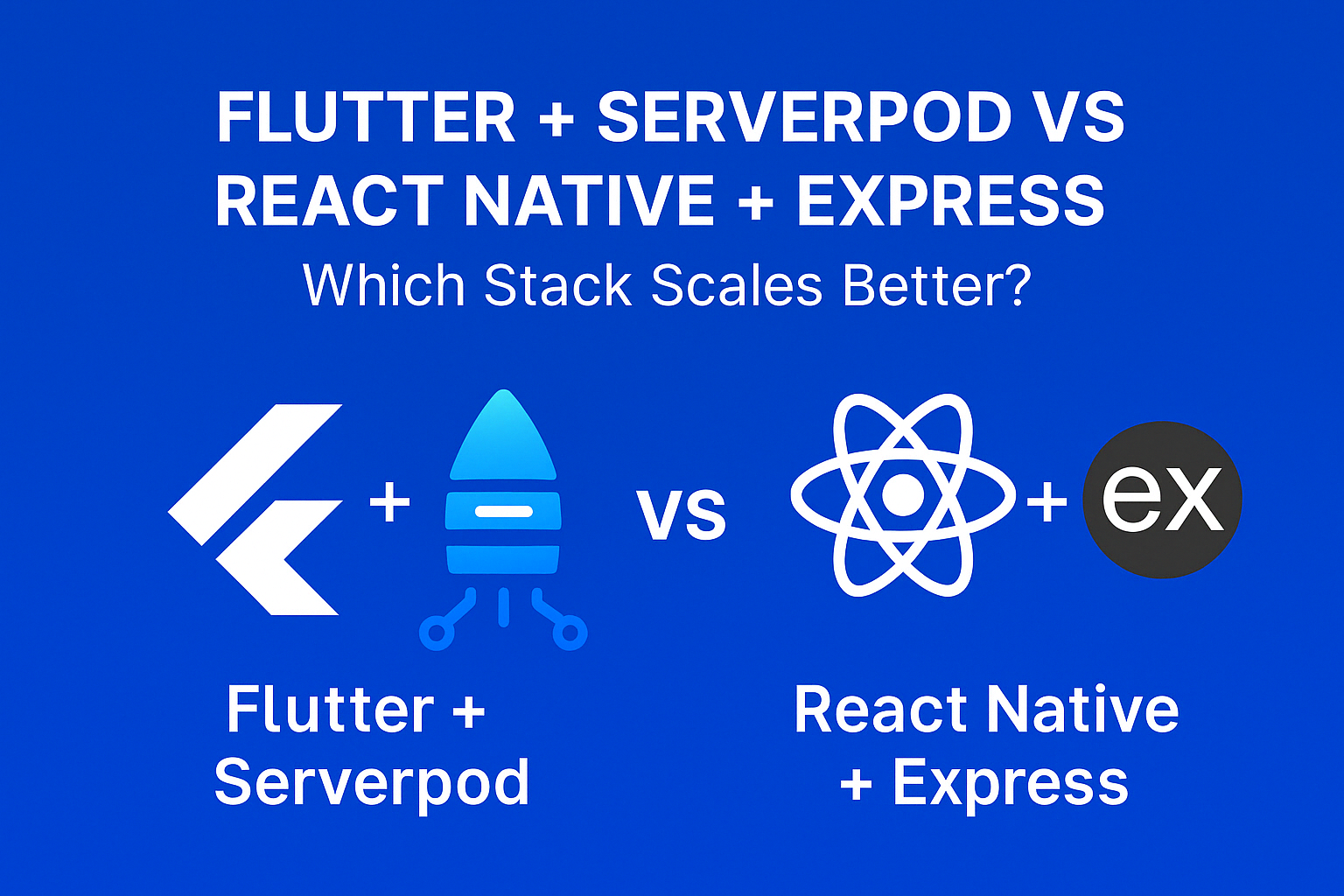
In 2025, two standout stacks for modern mobile development are:
- Flutter + Serverpod (Dart Fullstack): A single-language stack with built-in type safety and code generation
- React Native + Express.js (JavaScript Fullstack): The battle-tested JavaScript ecosystem with maximum flexibility
Both stacks can power production apps serving millions of users, but each has trade-offs. In this comprehensive comparison, we’ll examine their architecture, performance benchmarks, developer experience, and real-world implementation patterns to help you choose the right stack for your project.
Stack Architecture Overview
Flutter + Serverpod
- Frontend: Flutter (Dart) – compiled to native code
- Backend: Serverpod (Dart) – integrated backend framework
- Database: PostgreSQL with built-in ORM
- Use Case: Dart on both ends enables shared models, type safety across the stack, and automatic API client generation
React Native + Express.js
- Frontend: React Native (JavaScript/TypeScript)
- Backend: Express.js (JavaScript/TypeScript)
- Database: MongoDB, PostgreSQL, or any database via ORMs
- Use Case: JavaScript ecosystem with massive library support, flexible architecture, and easy hiring
Architecture Comparison
Flutter + Serverpod Architecture
// Serverpod project structure
my_project/
├── my_project_server/          # Backend
│   ├── lib/
│   │   └── src/
│   │       ├── endpoints/      # API endpoints
│   │       │   └── user_endpoint.dart
│   │       ├── models/         # Shared models
│   │       │   └── user.yaml
│   │       └── generated/      # Auto-generated code
│   └── config/
│       ├── development.yaml
│       └── production.yaml
├── my_project_client/          # Generated client library
│   └── lib/
│       └── src/
│           └── protocol/       # Auto-generated protocol
├── my_project_flutter/         # Flutter app
│   └── lib/
│       └── main.dart
└── my_project_shared/          # Shared models & logic
// Serverpod Model Definition (user.yaml)
class: User
table: users
fields:
name: String
email: String
hashedPassword: String
createdAt: DateTime
role: UserRole
indexes:
email_unique:
fields: email
unique: true
// Auto-generates:
// - Dart class with serialization
// - Database table creation
// - Client-side model
// - API endpoint types// Serverpod Endpoint (user_endpoint.dart)
import 'package:serverpod/serverpod.dart';
import '../generated/protocol.dart';
class UserEndpoint extends Endpoint {
// Create user - full type safety from client to database
Future createUser(Session session, String name, String email, String password) async {
final hashedPassword = await hashPassword(password);
final user = User(
name: name,
email: email,
hashedPassword: hashedPassword,
createdAt: DateTime.now(),
role: UserRole.user,
);
// Insert with auto-generated ORM
await User.insert(session, user);
return user;
}
// Get user with related data
Future getUserWithPosts(Session session, int userId) async {
return await User.findById(
session,
userId,
include: User.include(
posts: Post.includeList(),
),
);
}
// Streaming endpoint for real-time updates
Stream streamUserUpdates(Session session, int userId) async* {
// Subscribe to user changes
await for (final update in session.messages.addListener('user:$userId')) {
final user = await User.findById(session, userId);
if (user != null) yield user;
}
}
}
// Flutter client usage - fully typed
Future createUserExample() async {
final client = Client('https://api.example.com/');
// Compile-time checked - no manual JSON parsing
final user = await client.user.createUser(
'John Doe',
'john@example.com',
'securePassword123',
);
print(user.name); // Type-safe access
// Real-time streaming
client.user.streamUserUpdates(user.id!).listen((updatedUser) {
print('User updated: ${updatedUser.name}');
});
} React Native + Express Architecture
// Express.js project structure
my_project/
├── backend/
│   ├── src/
│   │   ├── routes/
│   │   │   └── users.ts
│   │   ├── controllers/
│   │   │   └── userController.ts
│   │   ├── models/
│   │   │   └── User.ts
│   │   ├── middleware/
│   │   │   └── auth.ts
│   │   ├── services/
│   │   │   └── userService.ts
│   │   └── types/
│   │       └── index.ts
│   └── package.json
├── mobile/                     # React Native app
│   ├── src/
│   │   ├── api/
│   │   │   └── userApi.ts
│   │   ├── screens/
│   │   ├── components/
│   │   └── types/
│   │       └── index.ts        # Must sync with backend
│   └── package.json
└── shared/                     # Optional shared types
    └── types/
// Express.js Backend (userController.ts)
import { Request, Response } from 'express';
import { z } from 'zod';
import { User, IUser } from '../models/User';
import bcrypt from 'bcrypt';
// Manual validation schema
const createUserSchema = z.object({
name: z.string().min(1).max(100),
email: z.string().email(),
password: z.string().min(8),
});
export const createUser = async (req: Request, res: Response) => {
try {
// Validate request body
const validation = createUserSchema.safeParse(req.body);
if (!validation.success) {
return res.status(400).json({ errors: validation.error.errors });
}
const { name, email, password } = validation.data;
// Check existing user
const existing = await User.findOne({ email });
if (existing) {
return res.status(409).json({ error: 'Email already registered' });
}
// Hash password and create user
const hashedPassword = await bcrypt.hash(password, 10);
const user = await User.create({
name,
email,
hashedPassword,
role: 'user',
});
// Return without password
const { hashedPassword: _, ...userResponse } = user.toObject();
res.status(201).json(userResponse);
} catch (error) {
console.error('Create user error:', error);
res.status(500).json({ error: 'Internal server error' });
}
};
export const getUserWithPosts = async (req: Request, res: Response) => {
try {
const user = await User.findById(req.params.id)
.populate('posts')
.lean();
if (!user) {
return res.status(404).json({ error: 'User not found' });
}
res.json(user);
} catch (error) {
res.status(500).json({ error: 'Internal server error' });
}
};// React Native API Client (userApi.ts)
import axios from 'axios';
const api = axios.create({
baseURL: 'https://api.example.com',
});
// Types must be manually synced with backend
interface User {
id: string;
name: string;
email: string;
role: 'user' | 'admin';
createdAt: string;
}
interface CreateUserInput {
name: string;
email: string;
password: string;
}
export const userApi = {
createUser: async (input: CreateUserInput): Promise => {
const response = await api.post('/users', input);
return response.data;
},
getUserWithPosts: async (userId: string): Promise => {
const response = await api.get(`/users/${userId}?include=posts`);
return response.data;
},
// WebSocket for real-time - manual setup
subscribeToUserUpdates: (userId: string, callback: (user: User) => void) => {
const socket = new WebSocket(`wss://api.example.com/ws/users/${userId}`);
socket.onmessage = (event) => {
const user = JSON.parse(event.data);
callback(user);
};
return () => socket.close();
},
};
// Usage in React Native component
const createUserExample = async () => {
try {
const user = await userApi.createUser({
name: 'John Doe',
email: 'john@example.com',
password: 'securePassword123',
});
console.log(user.name);
} catch (error) {
if (axios.isAxiosError(error)) {
console.error(error.response?.data);
}
}
}; Performance Comparison
| Metric | Flutter + Serverpod | React Native + Express |
|---|---|---|
| Backend throughput | ~15,000 req/s (Dart isolates) | ~10,000 req/s (Node.js cluster) |
| WebSocket performance | Built-in, optimized | Via socket.io (adds overhead) |
| UI rendering | Native compiled (Skia) | Native bridge (async) |
| Cold start time | ~100ms (AOT compiled) | ~200ms (JIT with Hermes) |
| Memory footprint | Lower (single runtime) | Higher (V8 + bridge) |
Verdict: Flutter + Serverpod has the edge in raw performance due to Dart’s AOT compilation and native rendering without a JavaScript bridge.
Developer Experience
| Metric | Flutter + Serverpod | React Native + Express |
|---|---|---|
| Language consistency | Dart everywhere | JS/TS everywhere |
| Type safety | End-to-end automatic | Requires manual sync |
| Code generation | Built-in (models, APIs) | Optional (OpenAPI, tRPC) |
| Learning curve | Moderate (Dart + Serverpod) | Low for JS developers |
| Debugging | Unified tooling (DevTools) | Multiple tools (Chrome, Flipper) |
| Hot reload | Both client and server | Client only (nodemon for server) |
Verdict: React Native + Express wins for accessibility and existing JS teams. Flutter + Serverpod wins for teams prioritizing type safety and unified development.
Scalability and Maintainability
| Feature | Flutter + Serverpod | React Native + Express |
|---|---|---|
| Project structure | Enforced by framework | Flexible (manual discipline) |
| API contracts | Auto-generated, always in sync | Requires OpenAPI or tRPC |
| Database migrations | Built-in migration system | Via Prisma, Knex, or raw SQL |
| Real-time features | First-class streaming support | Requires socket.io setup |
| Microservices | Early stages | Mature patterns available |
| Testing | Integrated test framework | Jest, Mocha, Supertest |
Verdict: Serverpod enforces consistency out of the box. Express offers flexibility but requires more architectural decisions and discipline.
Ecosystem and Community
| Area | Flutter + Serverpod | React Native + Express |
|---|---|---|
| NPM/Pub packages | ~50k pub.dev packages | ~2M npm packages |
| Community size | Growing rapidly | Massive, established |
| Enterprise adoption | Increasing (BMW, Toyota) | Widespread (Meta, Microsoft) |
| Hiring pool | Smaller (Dart developers) | Large (JS developers) |
| Documentation | Good, improving | Extensive |
Verdict: React Native + Express wins in ecosystem maturity and developer availability. Flutter + Serverpod is catching up quickly.
Real-World Implementation: Authentication Flow
Serverpod Authentication
// Serverpod has built-in auth module
// server/lib/src/endpoints/auth_endpoint.dart

class AuthEndpoint extends Endpoint {
  Future signIn(Session session, String email, String password) async {
    final user = await User.findFirstRow(
      session,
      where: (t) => t.email.equals(email),
    );

    if (user == null || !verifyPassword(password, user.hashedPassword)) {
      throw AuthenticationException('Invalid credentials');
    }

    // Create authenticated session
    final authKey = await session.auth.signInUser(user.id!, 'email');

    return AuthResponse(
      user: user,
      token: authKey,
    );
  }

  @override
  bool get requireLogin => false;
}

// Protected endpoint
class ProtectedEndpoint extends Endpoint {
  Future getProfile(Session session) async {
    // session.auth.authenticatedUserId is automatically available
    final userId = await session.auth.authenticatedUserId;
    if (userId == null) throw AuthenticationException('Not authenticated');

    final user = await User.findById(session, userId);
    return UserProfile.fromUser(user!);
  }

  @override
  bool get requireLogin => true; // Enforced by framework
}
Express.js Authentication
// Express auth requires manual setup
// backend/src/routes/auth.ts

import express from 'express';
import jwt from 'jsonwebtoken';
import bcrypt from 'bcrypt';
import { User } from '../models/User';
import { authMiddleware } from '../middleware/auth';

const router = express.Router();

router.post('/signin', async (req, res) => {
  try {
    const { email, password } = req.body;

    const user = await User.findOne({ email });
    if (!user || !await bcrypt.compare(password, user.hashedPassword)) {
      return res.status(401).json({ error: 'Invalid credentials' });
    }

    const token = jwt.sign(
      { userId: user._id, role: user.role },
      process.env.JWT_SECRET!,
      { expiresIn: '7d' }
    );

    res.json({ user: user.toPublic(), token });
  } catch (error) {
    res.status(500).json({ error: 'Authentication failed' });
  }
});

// Protected route - requires middleware
router.get('/profile', authMiddleware, async (req, res) => {
  const user = await User.findById(req.userId);
  res.json(user?.toPublic());
});

// backend/src/middleware/auth.ts
export const authMiddleware = async (
  req: Request,
  res: Response,
  next: NextFunction
) => {
  const token = req.headers.authorization?.replace('Bearer ', '');

  if (!token) {
    return res.status(401).json({ error: 'No token provided' });
  }

  try {
    const decoded = jwt.verify(token, process.env.JWT_SECRET!) as JwtPayload;
    req.userId = decoded.userId;
    req.userRole = decoded.role;
    next();
  } catch (error) {
    res.status(401).json({ error: 'Invalid token' });
  }
};
When to Choose Which Stack
| Scenario | Recommended Stack |
|---|---|
| Team already proficient in Dart/Flutter | Flutter + Serverpod |
| Need real-time features (chat, live updates) | Flutter + Serverpod |
| Prioritize end-to-end type safety | Flutter + Serverpod |
| Building MVP with JavaScript team | React Native + Express |
| Need maximum third-party integrations | React Native + Express |
| Hiring from large talent pool | React Native + Express |
| Complex animations and custom UI | Flutter + Serverpod |
| Microservices architecture | React Native + Express |
Common Mistakes to Avoid
Choosing based on hype alone: Both stacks are production-ready. Choose based on your team’s skills and project requirements, not Twitter trends.
Ignoring type safety in Express: Without TypeScript and proper validation (Zod, Yup), Express APIs become error-prone at scale.
Underestimating Serverpod’s learning curve: While powerful, Serverpod has conventions that take time to learn. Budget for this in your timeline.
Not planning for model synchronization: In React Native + Express, keeping frontend and backend types in sync is a constant maintenance burden without proper tooling.
Overlooking WebSocket complexity: Real-time features in Express require significant additional setup. Serverpod handles this natively.
Conclusion
Both stacks can power scalable, production-ready apps—but they suit different kinds of teams and goals.
If you value type-safety, deep integration, and full Dart control, go with Flutter + Serverpod. The automatic code generation, built-in real-time features, and unified development experience make it excellent for teams committed to the Dart ecosystem.
If you want JavaScript everywhere, flexible tooling, and massive community support, React Native + Express is hard to beat. The ecosystem maturity, hiring pool, and architectural flexibility make it the safe choice for most teams.
Ultimately, your team’s experience and project needs should guide the decision—not hype. Both stacks are battle-tested and continue to evolve rapidly.
If you’re getting started with either stack, check out our Flutter Setup Guide or React Native Setup Guide. For backend deep dives, explore our guide on building fullstack apps with Serverpod.