Introduction
Designing a multi-tenant SaaS app is no small feat. If done right, it sets the foundation for scale, data isolation, security, and maintainability. If done wrong, you’ll end up with spaghetti logic, security flaws, data leaks between customers, and angry customers leaving for competitors. Multi-tenancy is the architecture pattern that enables most successful SaaS businesses—from Slack and Salesforce to smaller startups—to serve thousands of customers from a single codebase efficiently. This comprehensive guide walks you through how to architect a multi-tenant SaaS application the right way—from database schemas and tenant isolation strategies to authentication, authorization, and scaling patterns that grow with your business.
What Is a Multi-Tenant SaaS App?
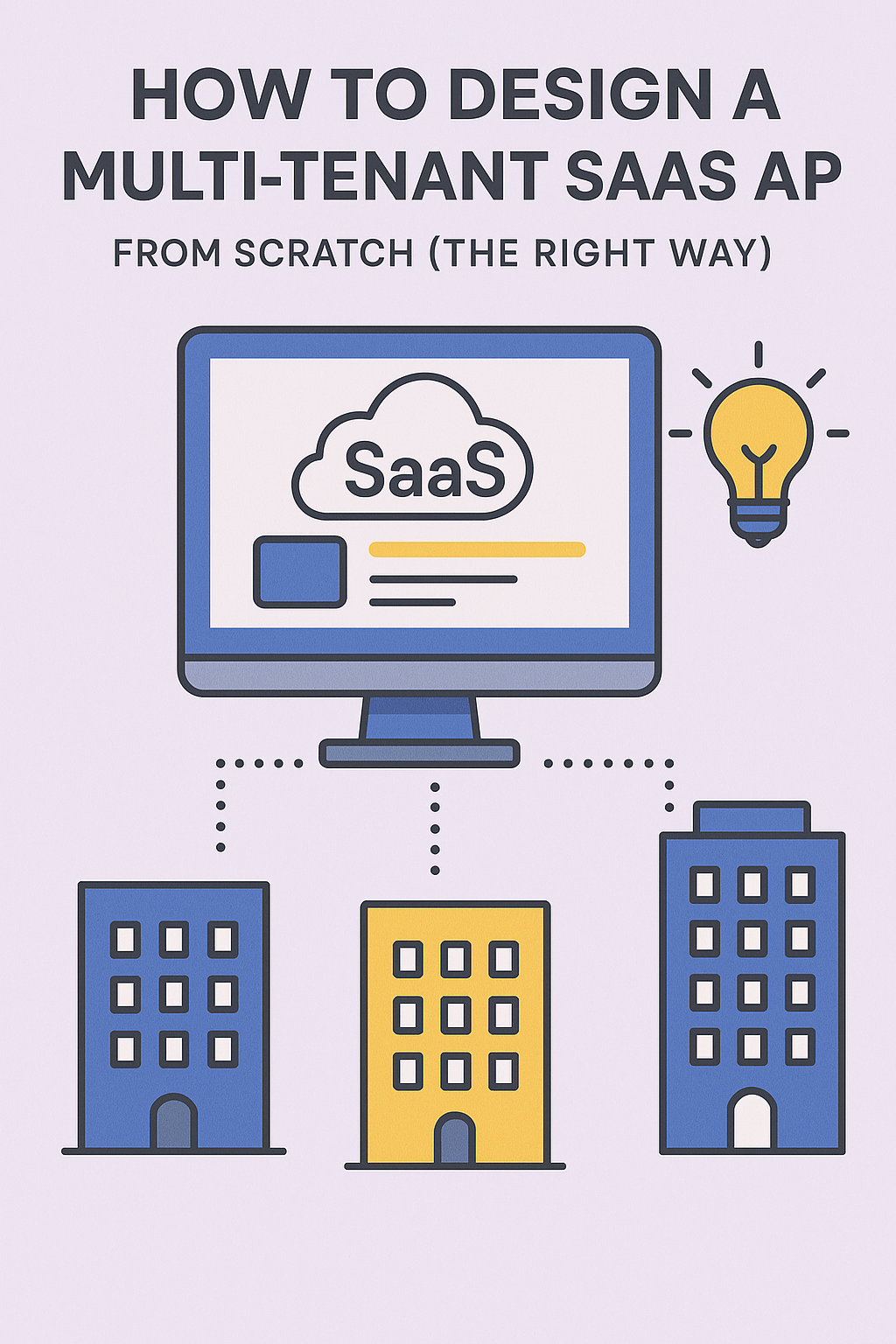
A multi-tenant SaaS application serves multiple customers (tenants) from a single codebase and infrastructure, with proper data isolation. Each tenant should feel like they have their own app instance—with their own branding, users, and data—but under the hood, everything is centralized and efficiently shared.
The key benefits of multi-tenancy include cost efficiency through shared infrastructure, simplified maintenance with a single codebase, faster feature rollouts to all customers, and economies of scale as you grow. However, these benefits come with architectural challenges around data isolation, performance fairness, and security that must be addressed carefully.
Types of Multi-Tenant Architectures
There are three major approaches to multi-tenant database architecture, each with distinct tradeoffs:
Shared Database, Shared Schema
All tenants share the same database and tables, distinguished by a tenant_id column on every row.
-- All tenant data in one table
CREATE TABLE users (
  id SERIAL PRIMARY KEY,
  tenant_id INTEGER NOT NULL REFERENCES tenants(id),
  email VARCHAR(255) NOT NULL,
  name VARCHAR(255),
  created_at TIMESTAMP DEFAULT NOW(),
  UNIQUE(tenant_id, email)
);

CREATE INDEX idx_users_tenant ON users(tenant_id);

-- Every query must include tenant_id
SELECT * FROM users WHERE tenant_id = 123 AND email = 'user@example.com';
Pros: Simplest to implement and maintain, lowest infrastructure cost, easy to deploy updates.
Cons: Requires discipline to enforce isolation, potential for data leaks if queries miss tenant_id, noisy neighbor issues.
Shared Database, Isolated Schema
Each tenant gets their own database schema within a shared database instance.
-- Create schema per tenant
CREATE SCHEMA tenant_123;
CREATE SCHEMA tenant_456;

-- Tables exist in each schema
CREATE TABLE tenant_123.users (
  id SERIAL PRIMARY KEY,
  email VARCHAR(255) NOT NULL UNIQUE,
  name VARCHAR(255)
);

-- Query uses schema prefix or search_path
SET search_path TO tenant_123;
SELECT * FROM users WHERE email = 'user@example.com';
Pros: Better isolation, easier per-tenant customization, simpler queries without tenant_id.
Cons: Schema migrations across hundreds of tenants, connection pooling complexity, harder to query across tenants.
Isolated Database per Tenant
Each tenant gets their own database instance, providing complete isolation.
Pros: Strongest isolation and security, no noisy neighbor issues, easy compliance with data residency requirements.
Cons: Highest infrastructure cost, complex deployment and migrations, harder to maintain hundreds of databases.
Recommendation: For most startups, go with shared database with tenant ID field and strict access control. It provides the best balance of simplicity, cost-effectiveness, and maintainability. Move to isolated schemas or databases only when compliance, security requirements, or customer contracts demand it.
Key Concepts to Get Right
Tenant Identification
Every request must include a tenant identifier. Common strategies include:
// Subdomain-based: tenant.yourapp.com
function getTenantFromSubdomain(req) {
  const host = req.headers.host;
  const subdomain = host.split('.')[0];
  return subdomain !== 'www' ? subdomain : null;
}

// Path-based: yourapp.com/tenant/dashboard
function getTenantFromPath(req) {
  const parts = req.path.split('/');
  return parts[1]; // Assumes /tenant-slug/resource format
}

// Header-based: X-Tenant-ID header
function getTenantFromHeader(req) {
  return req.headers['x-tenant-id'];
}

// JWT claim-based: tenant embedded in auth token
function getTenantFromToken(decodedToken) {
  return decodedToken.tenant_id;
}
Subdomain-based identification is user-friendly and allows custom domains per tenant. JWT-based is most secure since the tenant context is cryptographically signed and cannot be tampered with.
Data Isolation
Enforce tenant-specific queries at the ORM/repository level. Never rely on developers remembering to add WHERE tenant_id = ? to every query.
// TypeScript example with Prisma-like ORM
class TenantAwareRepository {
  private tenantId: string;

  constructor(tenantId: string) {
    this.tenantId = tenantId;
  }

  async findUsers(filters: UserFilters) {
    // tenant_id is ALWAYS added automatically
    return db.users.findMany({
      where: {
        tenantId: this.tenantId, // Enforced
        ...filters
      }
    });
  }

  async createUser(data: CreateUserInput) {
    return db.users.create({
      data: {
        ...data,
        tenantId: this.tenantId // Enforced
      }
    });
  }
}

// Middleware sets up tenant context
app.use(async (req, res, next) => {
  const tenantId = getTenantFromToken(req.user);
  req.repo = new TenantAwareRepository(tenantId);
  next();
});

// Controllers use tenant-scoped repository
app.get('/users', async (req, res) => {
  const users = await req.repo.findUsers({ active: true });
  res.json(users);
});
For PostgreSQL, consider using Row-Level Security (RLS) as an additional safeguard:
-- Enable RLS on tenant tables
ALTER TABLE users ENABLE ROW LEVEL SECURITY;

-- Policy ensures users only see their tenant's data
CREATE POLICY tenant_isolation ON users
  USING (tenant_id = current_setting('app.current_tenant')::INTEGER);

-- Set tenant context at connection time
SET app.current_tenant = '123';
Role-Based Access Control (RBAC)
Build your RBAC system around these core entities:
// Core RBAC entities
interface Tenant {
  id: string;
  name: string;
  slug: string;
  plan: 'free' | 'pro' | 'enterprise';
  settings: TenantSettings;
}

interface User {
  id: string;
  tenantId: string;
  email: string;
  roles: Role[];
}

interface Role {
  id: string;
  name: string; // 'admin', 'editor', 'viewer'
  permissions: Permission[];
}

interface Permission {
  resource: string;  // 'users', 'projects', 'billing'
  actions: string[]; // ['read', 'create', 'update', 'delete']
}

// Permission check middleware
function requirePermission(resource: string, action: string) {
  return (req, res, next) => {
    const hasPermission = req.user.roles.some(role =>
      role.permissions.some(p =>
        p.resource === resource && p.actions.includes(action)
      )
    );

    if (!hasPermission) {
      return res.status(403).json({ error: 'Forbidden' });
    }
    next();
  };
}

// Usage
app.delete('/users/:id',
  requirePermission('users', 'delete'),
  deleteUserHandler
);
Authentication and Authorization
Use centralized authentication with multi-tenant scoping. Include tenant context in JWT tokens:
// JWT payload structure
interface JWTPayload {
  sub: string;        // User ID
  tenantId: string;   // Tenant ID - critical for isolation
  roles: string[];    // User roles within tenant
  permissions: string[]; // Flattened permissions
  iat: number;
  exp: number;
}

// Token generation
function generateToken(user: User, tenant: Tenant): string {
  const payload: JWTPayload = {
    sub: user.id,
    tenantId: tenant.id,
    roles: user.roles.map(r => r.name),
    permissions: flattenPermissions(user.roles),
    iat: Math.floor(Date.now() / 1000),
    exp: Math.floor(Date.now() / 1000) + (60 * 60 * 24) // 24 hours
  };

  return jwt.sign(payload, process.env.JWT_SECRET);
}
Database Design Best Practices
-- Tenant table (global, not tenant-scoped)
CREATE TABLE tenants (
  id SERIAL PRIMARY KEY,
  slug VARCHAR(63) UNIQUE NOT NULL,
  name VARCHAR(255) NOT NULL,
  plan VARCHAR(50) DEFAULT 'free',
  settings JSONB DEFAULT '{}',
  created_at TIMESTAMP DEFAULT NOW()
);

-- Tenant-scoped table with proper indexing
CREATE TABLE projects (
  id SERIAL PRIMARY KEY,
  tenant_id INTEGER NOT NULL REFERENCES tenants(id) ON DELETE CASCADE,
  name VARCHAR(255) NOT NULL,
  description TEXT,
  created_by INTEGER NOT NULL,
  created_at TIMESTAMP DEFAULT NOW(),
  deleted_at TIMESTAMP NULL -- Soft delete
);

-- Compound indexes for tenant-scoped queries
CREATE INDEX idx_projects_tenant_created
  ON projects(tenant_id, created_at DESC)
  WHERE deleted_at IS NULL;

-- Unique constraints scoped to tenant
CREATE UNIQUE INDEX idx_projects_tenant_name
  ON projects(tenant_id, name)
  WHERE deleted_at IS NULL;
Key principles: Add tenant_id to all tenant-scoped tables. Use compound indexes starting with tenant_id. Avoid cross-tenant JOINs. Use soft deletes for audit trails and easy recovery.
Tenant Provisioning
Automate tenant setup as much as possible:
async function provisionTenant(registration: TenantRegistration) {
  const tenant = await db.transaction(async (tx) => {
    // Create tenant record
    const tenant = await tx.tenants.create({
      data: {
        slug: registration.companySlug,
        name: registration.companyName,
        plan: 'free',
        settings: getDefaultSettings()
      }
    });

    // Create admin user
    const adminUser = await tx.users.create({
      data: {
        tenantId: tenant.id,
        email: registration.email,
        passwordHash: await hashPassword(registration.password),
        roles: { connect: { name: 'admin' } }
      }
    });

    // Create default resources
    await tx.roles.createMany({
      data: getDefaultRoles(tenant.id)
    });

    await tx.settings.create({
      data: {
        tenantId: tenant.id,
        ...getDefaultTenantSettings()
      }
    });

    return tenant;
  });

  // Post-provisioning tasks
  await sendWelcomeEmail(registration.email, tenant);
  await analytics.track('tenant_created', { tenantId: tenant.id });
  await setupBillingAccount(tenant);

  return tenant;
}
Scaling Multi-Tenant Systems
As your SaaS grows, implement these scaling patterns:
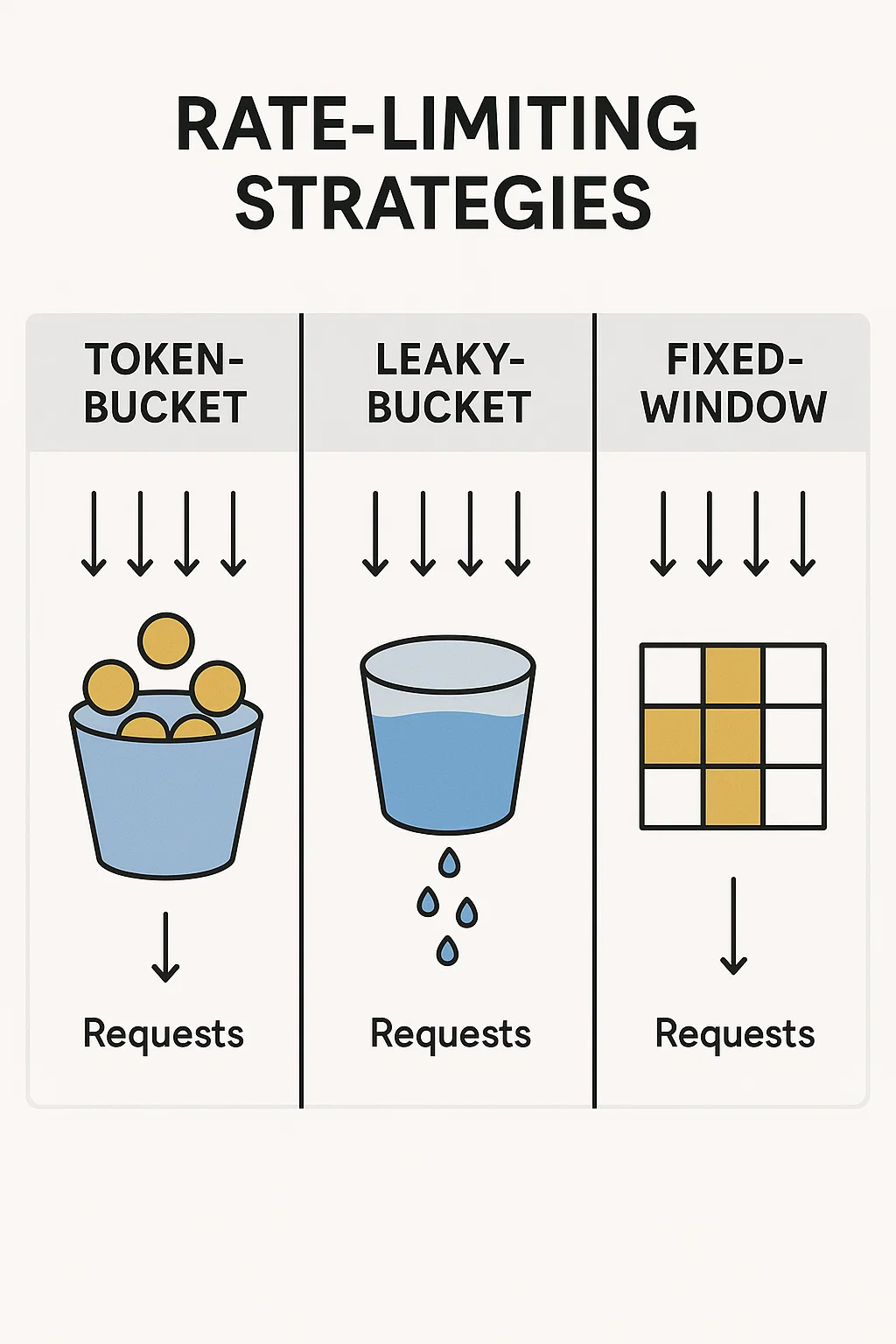
Rate limiting per tenant: Prevent one tenant from consuming all resources.
const rateLimiter = rateLimit({
  keyGenerator: (req) => req.user.tenantId,
  max: (req) => {
    // Different limits per plan
    const limits = { free: 100, pro: 1000, enterprise: 10000 };
    return limits[req.tenant.plan] || 100;
  },
  windowMs: 60 * 1000 // Per minute
});
Read replicas: Route read-heavy queries to replicas while writes go to primary.
Tenant-aware caching: Include tenant ID in cache keys to prevent data leaks.
function cacheKey(tenantId: string, resource: string, id: string) {
  return `tenant:${tenantId}:${resource}:${id}`;
}
Common Pitfalls to Avoid
Missing tenant_id in queries: The most dangerous bug. Use ORM middleware or RLS to enforce automatically.
Cross-tenant data leaks: Always validate that requested resources belong to the current tenant, even with proper queries.
Hardcoded tenant behavior: Use configuration, not code, for tenant-specific customizations.
Over-engineering early: Start with shared schema. Only move to isolated databases when you have concrete requirements.
Ignoring noisy neighbors: Implement rate limiting and resource quotas from day one.
Conclusion
A well-designed multi-tenant SaaS app enables you to scale fast, onboard customers easily, and keep data secure. The shared database with tenant ID approach works for most applications, providing a great balance of simplicity and isolation. Focus on clean separation of concerns, consistent use of tenant context through middleware and repositories, and automation of tenant lifecycle events. Build isolation into your architecture from the start—retrofitting multi-tenancy into a single-tenant app is significantly harder than building it correctly from day one. For more backend architecture patterns, explore our guide on Event-Driven Architecture with Kafka, and check the AWS SaaS Lens for additional multi-tenancy best practices.

1 Comment