
When your app grows beyond a few screens, code organization becomes critical. One of the most effective strategies for long-term scalability is the feature-first folder structure. This architectural approach transforms how both Flutter and React Native developers organize their codebases for maintainability.
In this post, you’ll learn why feature-first architecture matters, how it compares to traditional file-type organization, and how to implement it effectively in Flutter and React Native projects. You’ll also discover the common pitfalls that cause teams to abandon this pattern—and how to avoid them.
What Is Feature-First Folder Structure?
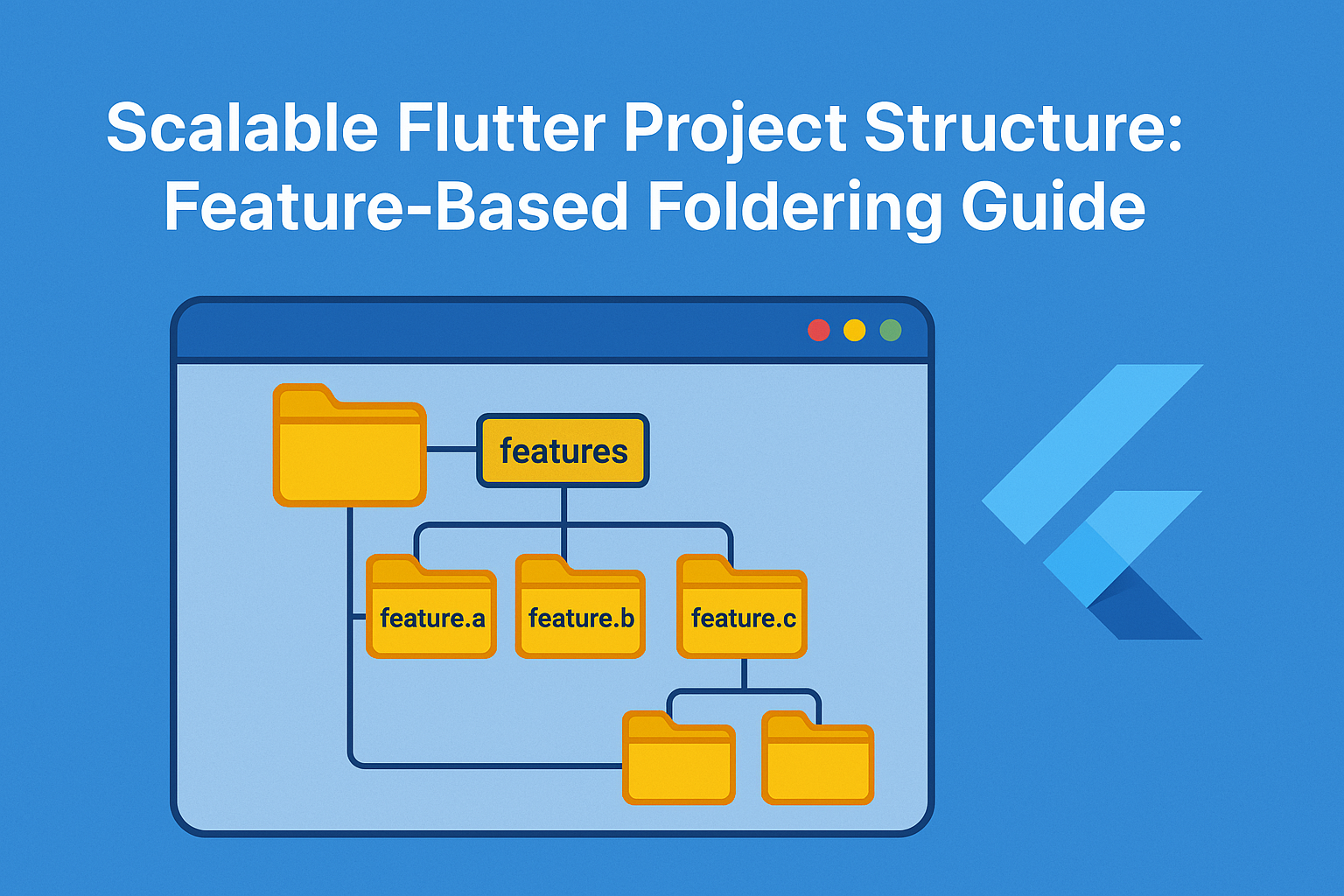
A feature-first (also called vertical or modular) structure organizes your app based on features instead of file types. This means all code related to a specific feature lives together in one directory, rather than being scattered across multiple folders.
The fundamental principle is simple: group by what the code does, not what the code is. A screen, its controller, models, and widgets all belong together because they serve the same purpose.
Traditional File-Type Structure
Most developers start with a file-type-based structure because it feels intuitive:
/screens
  home_screen.dart
  product_screen.dart
  cart_screen.dart
  profile_screen.dart
/models
  user_model.dart
  product_model.dart
  cart_model.dart
/widgets
  product_card.dart
  cart_item.dart
  user_avatar.dart
/utils
  api_client.dart
  validators.dart
/controllers
  home_controller.dart
  product_controller.dart
This structure works fine for small apps. However, problems emerge as the codebase grows. Finding all code related to the cart feature requires navigating five different directories. Making changes means jumping between folders constantly.
Feature-First Structure
The feature-first approach inverts this organization:
/features
  /home
    home_screen.dart
    home_controller.dart
    widgets/
      featured_products.dart
      promo_banner.dart
  /product
    product_screen.dart
    product_model.dart
    product_service.dart
    widgets/
      product_gallery.dart
  /cart
    cart_screen.dart
    cart_model.dart
    cart_controller.dart
    widgets/
      cart_item.dart
  /profile
    profile_screen.dart
    profile_repository.dart
/shared
  /widgets
    custom_button.dart
    loading_indicator.dart
  /utils
    api_client.dart
    validators.dart
Each feature is self-contained. When you need to modify the cart, everything you need is in one place. This architectural decision pays dividends as your project scales.
Why Feature-First Works at Scale
Understanding why this structure succeeds requires examining how development workflows change as projects grow. Several factors make feature-first architecture particularly effective for larger applications.
Improved Code Discovery
In file-type structures, finding relevant code becomes increasingly difficult. Imagine debugging a cart synchronization issue. You might need to check:
/screens/cart_screen.dartfor the UI/controllers/cart_controller.dartfor business logic/models/cart_model.dartfor data structures/services/cart_service.dartfor API calls/widgets/cart_item.dartfor item rendering
With feature-first structure, all these files live in /features/cart/. This reduces cognitive load and speeds up navigation significantly.
Reduced Merge Conflicts
When multiple developers work on different features, file-type structures create unnecessary conflicts. Both developers might edit the same routes.dart or main.dart file to add their features.
Feature-first structure localizes changes. Developer A working on payments rarely touches files that Developer B needs for the wishlist feature. This parallel development capability becomes essential for larger teams.
Easier Feature Removal
Products evolve. Features get deprecated. In a file-type structure, removing a feature means hunting through multiple directories to find and delete all related files. You might miss a model or forget a widget, leaving dead code in your codebase.
With feature-first organization, removing a feature is straightforward: delete the feature folder. All associated code disappears together. This clean removal prevents the accumulation of orphaned files that plague older codebases.
Natural Boundaries for Testing
Testing becomes more intuitive with feature-first structure. Each feature folder represents a logical unit that can be tested in isolation. You can write integration tests that cover an entire feature without needing to understand the whole application.
// test/features/cart/cart_test.dart
void main() {
  group('Cart Feature', () {
    test('adds item to cart', () {
      // Test cart addition logic
    });

    test('calculates total correctly', () {
      // Test calculation logic
    });

    test('persists cart state', () {
      // Test persistence logic
    });
  });
}
For more on testing strategies, see our guide on Unit, Widget, and Integration Testing in Flutter.
Implementing Feature-First in Flutter
Flutter’s flexible project structure makes feature-first organization straightforward to implement. Here’s a production-ready structure that scales well:
/lib
  /core
    /network
      api_client.dart
      api_exceptions.dart
    /storage
      secure_storage.dart
      cache_manager.dart
    /di
      injection.dart
  /features
    /auth
      /data
        auth_repository.dart
        auth_local_source.dart
        auth_remote_source.dart
      /domain
        user_entity.dart
        auth_use_cases.dart
      /presentation
        login_screen.dart
        register_screen.dart
        auth_cubit.dart
        /widgets
          social_login_buttons.dart
    /product
      /data
        product_repository.dart
      /domain
        product_entity.dart
      /presentation
        product_list_screen.dart
        product_detail_screen.dart
        product_bloc.dart
  /shared
    /widgets
      app_button.dart
      app_text_field.dart
      loading_overlay.dart
    /theme
      app_theme.dart
      colors.dart
    /extensions
      context_extensions.dart
  main.dart
Feature Module Anatomy
Each feature follows a consistent internal structure. This consistency makes navigating unfamiliar features predictable:
// features/auth/presentation/auth_cubit.dart
import 'package:flutter_bloc/flutter_bloc.dart';
import '../domain/auth_use_cases.dart';
import '../domain/user_entity.dart';

class AuthState {
  final User? user;
  final bool isLoading;
  final String? error;

  AuthState({this.user, this.isLoading = false, this.error});

  AuthState copyWith({User? user, bool? isLoading, String? error}) {
    return AuthState(
      user: user ?? this.user,
      isLoading: isLoading ?? this.isLoading,
      error: error,
    );
  }
}

class AuthCubit extends Cubit<AuthState> {
  final AuthUseCases _authUseCases;

  AuthCubit(this._authUseCases) : super(AuthState());

  Future<void> login(String email, String password) async {
    emit(state.copyWith(isLoading: true, error: null));

    final result = await _authUseCases.login(email, password);

    result.fold(
      (failure) => emit(state.copyWith(isLoading: false, error: failure.message)),
      (user) => emit(state.copyWith(isLoading: false, user: user)),
    );
  }
}
Pair this structure with modular state management like BLoC or Riverpod for best results. Learn more in our guide on State Management in Flutter: When to Use Provider, Riverpod, or BLoC.
Barrel Exports for Clean Imports
Each feature should expose a clean public API through barrel exports. Create an index.dart file that re-exports only what other features need:
// features/auth/index.dart
export 'domain/user_entity.dart';
export 'presentation/auth_cubit.dart';
export 'presentation/login_screen.dart';
export 'presentation/register_screen.dart';

// Don't export internal implementation details like:
// - Repository implementations
// - Data sources
// - Private widgets
This pattern keeps feature internals private while exposing a clean interface.
Implementing Feature-First in React Native
React Native projects benefit equally from feature-first organization. The structure adapts naturally to the React ecosystem:
/src
  /core
    /api
      apiClient.ts
      apiTypes.ts
    /hooks
      useDebounce.ts
      useAsyncStorage.ts
    /navigation
      RootNavigator.tsx
      types.ts
  /features
    /auth
      /api
        authApi.ts
      /hooks
        useAuth.ts
      /screens
        LoginScreen.tsx
        RegisterScreen.tsx
      /components
        SocialLoginButtons.tsx
        PasswordInput.tsx
      /store
        authSlice.ts
      index.ts
    /orders
      /api
        ordersApi.ts
      /screens
        OrderListScreen.tsx
        OrderDetailScreen.tsx
      /components
        OrderCard.tsx
        OrderStatusBadge.tsx
      /store
        ordersSlice.ts
      index.ts
  /shared
    /components
      Button.tsx
      TextInput.tsx
      LoadingSpinner.tsx
    /theme
      colors.ts
      typography.ts
  App.tsx
Feature Slice with Redux Toolkit
Redux Toolkit’s slice pattern aligns perfectly with feature-first organization. Each feature owns its state slice:
// features/orders/store/ordersSlice.ts
import { createSlice, createAsyncThunk, PayloadAction } from '@reduxjs/toolkit';
import { ordersApi } from '../api/ordersApi';
import { Order } from '../types';

interface OrdersState {
  items: Order[];
  selectedOrder: Order | null;
  isLoading: boolean;
  error: string | null;
}

const initialState: OrdersState = {
  items: [],
  selectedOrder: null,
  isLoading: false,
  error: null,
};

export const fetchOrders = createAsyncThunk(
  'orders/fetchOrders',
  async (_, { rejectWithValue }) => {
    try {
      return await ordersApi.getOrders();
    } catch (error) {
      return rejectWithValue(error.message);
    }
  }
);

const ordersSlice = createSlice({
  name: 'orders',
  initialState,
  reducers: {
    selectOrder: (state, action: PayloadAction<Order>) => {
      state.selectedOrder = action.payload;
    },
    clearSelection: (state) => {
      state.selectedOrder = null;
    },
  },
  extraReducers: (builder) => {
    builder
      .addCase(fetchOrders.pending, (state) => {
        state.isLoading = true;
        state.error = null;
      })
      .addCase(fetchOrders.fulfilled, (state, action) => {
        state.isLoading = false;
        state.items = action.payload;
      })
      .addCase(fetchOrders.rejected, (state, action) => {
        state.isLoading = false;
        state.error = action.payload as string;
      });
  },
});

export const { selectOrder, clearSelection } = ordersSlice.actions;
export default ordersSlice.reducer;
This pattern works seamlessly with Redux Toolkit, Zustand, or React Query. For more React Native libraries, check out React Native Libraries You Should Know in 2025.
Feature-First vs File-Type: Detailed Comparison
Understanding when each approach excels helps you make informed decisions:
| Aspect | File-Type Based | Feature-First |
|---|---|---|
| Initial Setup | Faster, more intuitive | Requires planning upfront |
| Small Projects (<10 screens) | Works well | May feel over-engineered |
| Large Projects (50+ screens) | Becomes unwieldy | Stays manageable |
| Code Discovery | Declines with scale | Consistent regardless of size |
| Reusability | Scattered dependencies | Modular and explicit |
| Testing | Harder to isolate | Natural test boundaries |
| Team Collaboration | More merge conflicts | Parallel development friendly |
| Feature Removal | Error-prone, scattered | Delete folder, done |
| Onboarding | Need to learn whole structure | Focus on relevant features |
Common Mistakes When Implementing Feature-First
Teams often make predictable mistakes when adopting feature-first structure. Awareness of these pitfalls helps you avoid them.
Over-Granular Features
Creating too many small features defeats the purpose. A single button shouldn’t be its own feature. Features should represent meaningful user-facing functionality.
Bad: Separate features for /login, /logout, /forgot-password, /reset-password
Good: Single /auth feature containing all authentication-related functionality
Circular Dependencies
Features sometimes need to reference each other. Without discipline, this creates circular dependencies that break your build.
Solution: Extract shared types and utilities to a /shared or /core directory. Features can depend on shared code, but never directly on each other.
// Bad: Direct feature-to-feature dependency
import { User } from '../auth/domain/user_entity.dart';

// Good: Shared types
import { User } from '../../shared/types/user.dart';
Inconsistent Internal Structure
When each feature uses different internal organization, you lose the predictability benefits. Establish conventions and enforce them through code review or linting.
// Establish a consistent pattern for all features:
/feature-name
  /data          // Repository implementations, data sources
  /domain        // Entities, use cases, repository interfaces
  /presentation  // Screens, widgets, state management
  index.dart     // Public exports
Putting Everything in Shared
Some teams respond to circular dependency fears by putting most code in /shared. This recreates the file-type structure under a different name.
The rule: code belongs in shared only if multiple features genuinely need it. Don’t preemptively share code “just in case.”
When to Avoid Feature-First
Feature-first isn’t always the right choice. Consider alternatives when:
- Building a prototype or MVP: Speed matters more than structure. Refactor later.
- Very small apps: Under 5-6 screens, file-type structure adds less overhead.
- Learning a framework: Understanding framework conventions first helps before adding architectural patterns.
- Team unfamiliar with the pattern: Adoption requires team buy-in. A poorly implemented feature-first structure is worse than consistent file-type organization.
Migrating Existing Projects to Feature-First
Migrating a large codebase all at once is risky. Instead, adopt an incremental approach:
Step 1: Identify Feature Boundaries
List your app’s major features. These typically correspond to navigation destinations or user workflows: authentication, profile management, checkout, etc.
Step 2: Create the Structure
Add the /features and /shared directories alongside existing code. Don’t move anything yet.
Step 3: Migrate One Feature
Choose a self-contained feature with few external dependencies. Move all its code to the new structure. Update imports throughout the codebase.
Step 4: Iterate
Continue migrating features one at a time. Each migration reduces the code in the old structure until nothing remains.
This approach lets you maintain a working app throughout the migration. You can even pause partway through if priorities change.
Advanced Patterns
Once comfortable with basic feature-first organization, consider these advanced patterns:
Feature Flags Per Feature
Feature-first structure makes feature flags natural. Each feature can have its own enabled/disabled state:
// features/experiments/new_checkout/index.dart
import 'package:feature_flags/feature_flags.dart';

class NewCheckoutFeature {
  static bool get isEnabled => FeatureFlags.isEnabled('new_checkout');

  static Widget? getScreen() {
    if (!isEnabled) return null;
    return NewCheckoutScreen();
  }
}
Lazy Loading Features
In larger apps, loading all features upfront hurts startup time. Feature-first structure enables lazy loading entire features:
// React Native with React.lazy
const OrdersFeature = React.lazy(() => import('./features/orders'));

// Flutter with deferred loading
import 'features/analytics/index.dart' deferred as analytics;

Future<void> loadAnalytics() async {
  await analytics.loadLibrary();
  analytics.initializeAnalytics();
}
Conclusion
Switching to a feature-first folder structure pays dividends as your project grows—whether you’re using Flutter or React Native. The approach promotes separation of concerns, enables parallel development, and creates natural boundaries for testing.
Start by identifying your app’s core features and establishing consistent internal conventions. Migrate incrementally if working with an existing codebase. Avoid common pitfalls like over-granular features and circular dependencies.
If you’re serious about maintainability and clean architecture, feature-first structure should be your default approach for any app that will grow beyond a handful of screens. For related architectural guidance, explore our post on Flutter Clean Architecture and Dependency Injection.


1 Comment