Introduction
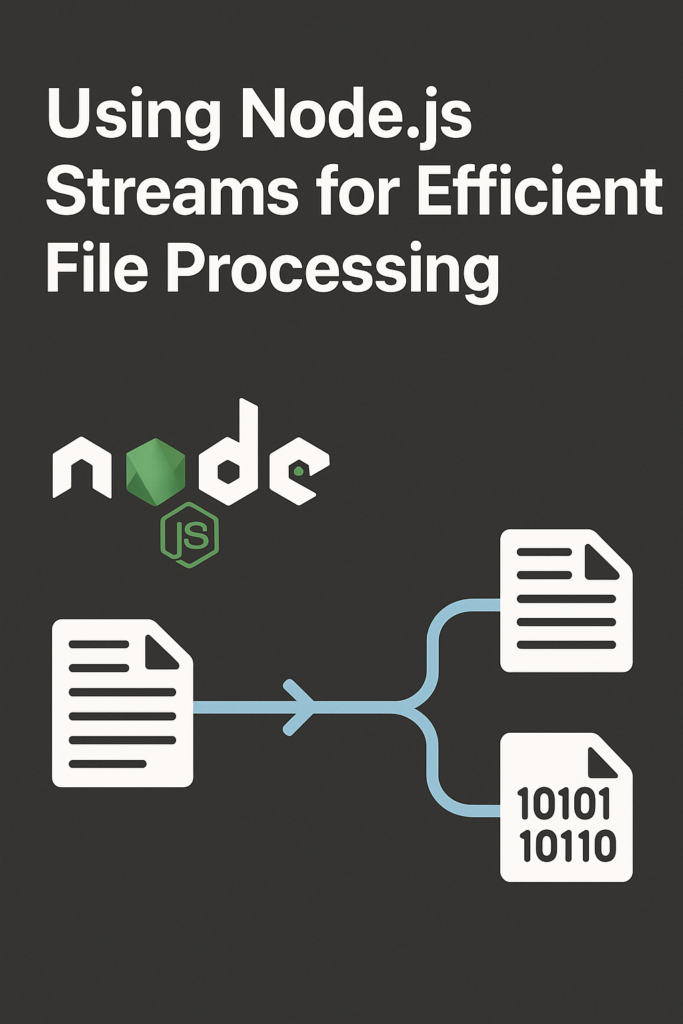
Processing large files efficiently is a common challenge in backend systems. When files grow in size, loading them fully into memory quickly becomes slow and expensive. Node.js streams solve this problem by allowing data to be processed piece by piece instead of all at once. In this guide, you will learn how Node.js streams work, why they are essential for efficient file processing, and how to apply them in real-world applications. By the end, you will understand how streams help you build faster, more memory-efficient Node.js services.
Why Node.js Streams Matter
Traditional file handling often relies on reading entire files into memory. While this approach is simple, it does not scale well. A 500MB file loaded entirely into memory consumes 500MB of RAM, and handling multiple such requests simultaneously can exhaust server resources quickly.
Streams process data incrementally, which leads to significantly better performance and lower memory usage. Instead of waiting for the complete file, your application begins processing immediately as data arrives. This approach reduces memory consumption dramatically, enables faster processing for large files, and provides better backpressure handling when downstream consumers cannot keep pace.
Because of these advantages, streams are a core part of Node.js backend development, especially for file uploads, downloads, log processing, and data transformations.
How Node.js Streams Work
Streams represent a sequence of data chunks flowing over time. Instead of waiting for all data to be available, your application processes each chunk as it arrives. This model aligns perfectly with Node.js’s event-driven architecture.
Stream Types
Node.js provides four main stream types, each serving a specific role in data processing pipelines.
Readable streams produce data. File reads, HTTP request bodies, and database query results all create readable streams. Writable streams consume data. File writes, HTTP responses, and database insertions use writable streams. Duplex streams both read and write data, like network sockets that send and receive simultaneously. Transform streams modify data as it passes through, useful for compression, encryption, or parsing.
Understanding these stream types helps you build flexible processing pipelines that handle data efficiently.
Reading Files with Node.js Streams
Using streams to read files is straightforward and memory-efficient.
import { createReadStream } from 'fs';

const readStream = createReadStream('large-file.txt', {
  encoding: 'utf8',
  highWaterMark: 64 * 1024 // 64KB chunks
});

let lineCount = 0;

readStream.on('data', (chunk) => {
  lineCount += chunk.split('\n').length - 1;
});

readStream.on('end', () => {
  console.log(`Total lines: ${lineCount}`);
});

readStream.on('error', (err) => {
  console.error('Stream error:', err);
});
The highWaterMark option controls chunk size. Larger chunks mean fewer events but higher memory per chunk. The default 64KB works well for most file processing scenarios.
Writing Files with Streams
Streams are equally useful for writing data, especially when generating content dynamically or processing uploads.
import { createWriteStream } from 'fs';

const writeStream = createWriteStream('output.txt');

for (let i = 0; i < 1000000; i++) {
  const canContinue = writeStream.write(`Line ${i}\n`);

  if (!canContinue) {
    // Buffer is full, wait for drain
    await new Promise(resolve => writeStream.once('drain', resolve));
  }
}

writeStream.end();
writeStream.on('finish', () => console.log('Write complete'));
Checking the return value of write() and waiting for drain prevents memory issues when writing faster than the disk can accept data.
Piping Streams Together
One of the most powerful features of streams is piping, which connects streams into a single data flow.
import { createReadStream, createWriteStream } from 'fs';
import { createGzip } from 'zlib';

createReadStream('large-file.txt')
  .pipe(createGzip())
  .pipe(createWriteStream('large-file.txt.gz'));
With piping, Node.js automatically handles buffering and backpressure. When the write stream cannot keep up, the read stream pauses automatically. This prevents memory buildup without any manual intervention.
For better error handling across piped streams, use the pipeline function:
import { pipeline } from 'stream/promises';
import { createReadStream, createWriteStream } from 'fs';
import { createGzip } from 'zlib';

try {
  await pipeline(
    createReadStream('large-file.txt'),
    createGzip(),
    createWriteStream('large-file.txt.gz')
  );
  console.log('Compression complete');
} catch (err) {
  console.error('Pipeline failed:', err);
}
The pipeline function automatically cleans up streams if any step fails, preventing resource leaks.
Transform Streams for File Processing
Transform streams modify data while it flows through the pipeline. This is useful for compression, encryption, parsing, or any data transformation.
import { Transform } from 'stream';
import { pipeline } from 'stream/promises';
import { createReadStream, createWriteStream } from 'fs';

class JSONLineParser extends Transform {
  constructor() {
    super({ objectMode: true });
    this.buffer = '';
  }

  _transform(chunk, encoding, callback) {
    this.buffer += chunk.toString();
    const lines = this.buffer.split('\n');
    this.buffer = lines.pop(); // Keep incomplete line

    for (const line of lines) {
      if (line.trim()) {
        try {
          this.push(JSON.parse(line));
        } catch (err) {
          // Skip invalid JSON lines
        }
      }
    }
    callback();
  }

  _flush(callback) {
    if (this.buffer.trim()) {
      try {
        this.push(JSON.parse(this.buffer));
      } catch (err) {
        // Skip invalid final line
      }
    }
    callback();
  }
}
This transform stream parses newline-delimited JSON (NDJSON) files, outputting JavaScript objects. The objectMode: true option allows pushing non-string data through the stream.
Handling Backpressure Correctly
Backpressure occurs when a writable stream cannot process data as fast as it arrives. Node.js streams handle this automatically when you use piping. However, manual stream management requires explicit backpressure handling.
import { createReadStream, createWriteStream } from 'fs';

const readable = createReadStream('input.txt');
const writable = createWriteStream('output.txt');

readable.on('data', (chunk) => {
  const canContinue = writable.write(chunk);

  if (!canContinue) {
    readable.pause();
    writable.once('drain', () => readable.resume());
  }
});

readable.on('end', () => writable.end());
This pattern pauses reading when the write buffer fills and resumes when it drains. However, using pipe() or pipeline() is preferred because they handle this automatically.
Streams for HTTP File Downloads
Streams integrate naturally with HTTP servers for efficient file delivery.
import { createServer } from 'http';
import { createReadStream, statSync } from 'fs';

const server = createServer((req, res) => {
  if (req.url === '/download') {
    const filePath = './large-file.zip';
    const stat = statSync(filePath);

    res.writeHead(200, {
      'Content-Type': 'application/zip',
      'Content-Length': stat.size,
      'Content-Disposition': 'attachment; filename="file.zip"'
    });

    createReadStream(filePath).pipe(res);
  }
});

server.listen(3000);
The file streams directly from disk to the network without loading entirely into memory. This approach handles gigabyte-sized files with minimal memory usage.
Real-World Production Scenario
Consider a data processing service that receives CSV uploads, validates records, transforms data, and exports results. Without streams, processing a 2GB file would require loading everything into memory, likely causing out-of-memory crashes on standard server instances.
With streams, the same service processes the file in 64KB chunks. Memory usage stays constant regardless of file size. A typical implementation uses a readable stream for the upload, a transform stream for CSV parsing and validation, another transform for data mapping, and finally a writable stream for output.
Teams implementing this pattern commonly report processing files 10-100x larger than before without infrastructure changes. The consistent memory footprint also improves container orchestration since resource limits become predictable.
When to Use Node.js Streams
Streams are the right choice when processing files larger than available memory. They excel at continuous data handling where data arrives over time rather than all at once. File upload and download pipelines benefit significantly from streaming. Real-time data transformation, log processing, and ETL pipelines are natural fits for stream-based architectures.
When NOT to Use Streams
For small files that fit comfortably in memory, streams add unnecessary complexity. If you need random access to file contents, streams’ sequential nature becomes a limitation. Simple read-modify-write operations on small configuration files work better with readFileSync or readFile.
Common Mistakes
Forgetting error handlers on streams causes silent failures and resource leaks. Always attach error listeners to every stream in your pipeline, or use pipeline() which handles errors automatically.
Mixing buffers and strings without explicit encoding leads to corrupted data. Specify encoding when creating streams or convert explicitly in transform logic.
Ignoring backpressure causes memory to grow unboundedly. If you manage streams manually, always check write() return values and wait for drain events.
Not closing streams properly leads to file descriptor leaks. Ensure streams are properly ended or destroyed, especially in error scenarios.
Conclusion
Node.js streams provide a powerful and efficient way to process files without exhausting system memory. By reading, transforming, and writing data in small chunks, you build fast and scalable file-processing pipelines. Start with simple pipe() operations, then explore transform streams as your needs grow.
If you want to improve your Node.js backend skills, read “CI/CD for Node.js Projects Using GitHub Actions.” For modern runtime alternatives, see “Introduction to Deno: A Modern Runtime for TypeScript & JavaScript.” You can also explore the Node.js Streams documentation and the Node.js File System documentation to deepen your understanding. With the right patterns, Node.js streams become an essential tool for building high-performance file processing systems.